How to Use a QR Code for Wedding Pictures (Step-by-Step)
Learn how QR codes let wedding guests instantly share & view photos. Setup guide, best practices, and free tools — including EventPixel.
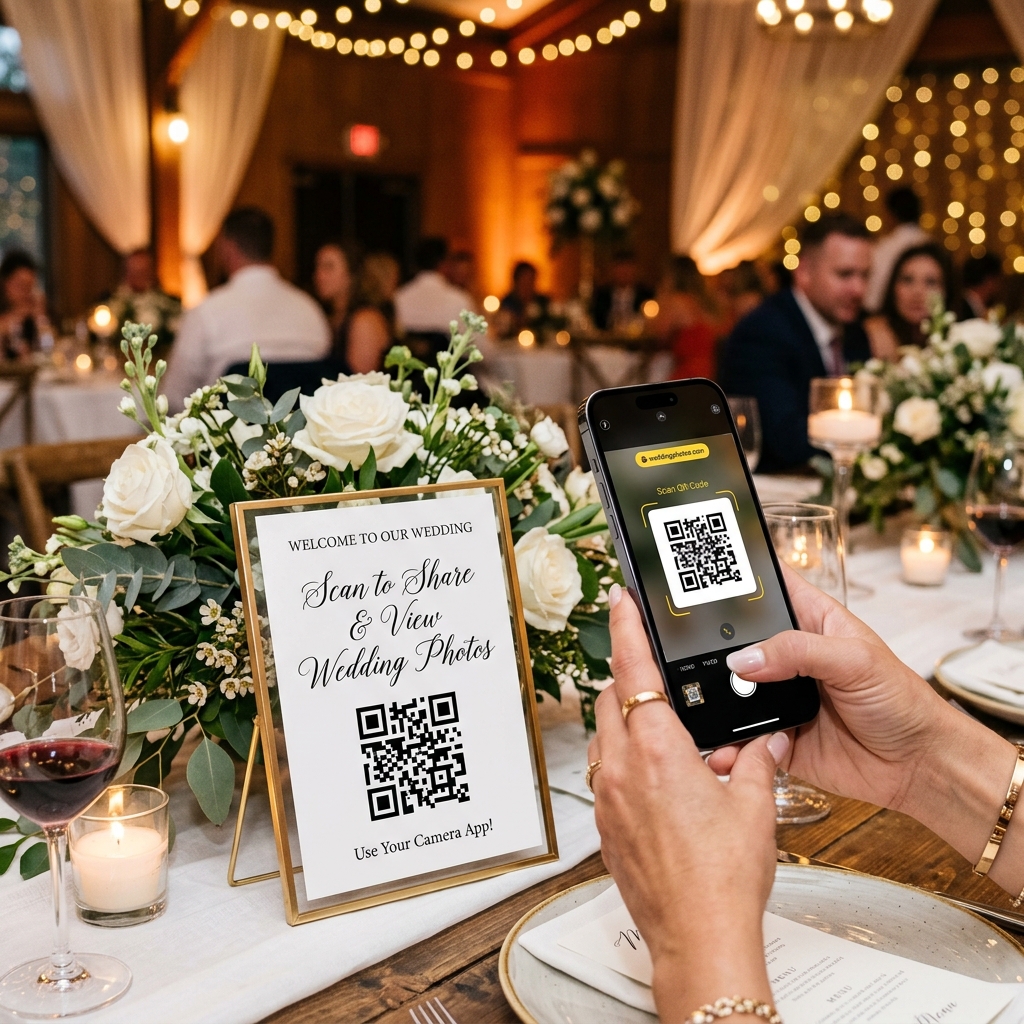
What is a QR code for wedding pictures?
A QR code for wedding pictures is a scannable code that links guests directly to a shared photo album or upload page. Guests scan it with their phone camera — no app download needed — and can instantly view or upload photos from the event. The QR code is typically printed on invitation cards, table cards, or displayed on a screen at the venue.
When a guest scans the code, they're taken to a private link where they can browse photos from the event, upload their own, or both — depending on how you've configured it. Everything lands in one shared album that the couple can access, download, and keep forever.
Why couples are using QR codes for wedding photos in 2025
No app download needed for guests
This is the single biggest reason QR codes have taken off. Older photo-sharing methods required guests to install an app, create an account, or join a group — friction that meant most guests never bothered. A QR code opens directly in the phone's browser. Scan, done.
At a wedding where guests range from teenagers to grandparents, this matters enormously. If your 70-year-old uncle can scan a code and see photos without downloading anything, you've won.
Collect candid photos you'd never see otherwise
A professional photographer captures the official moments — the portraits, the rituals, the first dance. What they can't do is be everywhere at once. Your guests are scattered across the venue with their own cameras, capturing moments that are genuinely unrepeatable. A QR code gives you a simple way to collect all of it without asking anyone for anything complicated.

Guests get access to the full album instantly
Traditional photo delivery takes weeks. You get a USB drive or a WeTransfer link two months after your wedding, when the excitement has faded. With a QR-linked album, guests can view professional photos as soon as your photographer uploads them — sometimes the same evening. It's a gift to your guests as much as it is for you.
Works across iPhones and Android without friction
Every modern smartphone camera — iPhone, Samsung, OnePlus, Xiaomi — can scan a QR code natively. No third-party scanner required. The experience is identical regardless of the device, which matters when your guest list spans every kind of phone imaginable.
AI face search finds your photos in seconds
The newer generation of wedding photo platforms goes a step further: guests can scan their own face to find every photo they appear in, pulled instantly from thousands of images. If you're using a platform with AI face recognition built in, your guests don't have to scroll through 800 photos — they just find themselves.
How to set up a QR code for wedding pictures — step by step
Getting this set up takes less than 15 minutes. Here's exactly what to do.
Step 1: Choose a wedding photo sharing platform
You need a platform that generates a QR code tied to a private event album. Look for one that supports guest uploads, doesn't require guests to download an app, and lets you control who can view and add photos. EventPixel is built specifically for this — it generates a unique QR code for each event that guests can scan to view and upload photos instantly.
Step 2: Create your event and fill in the details
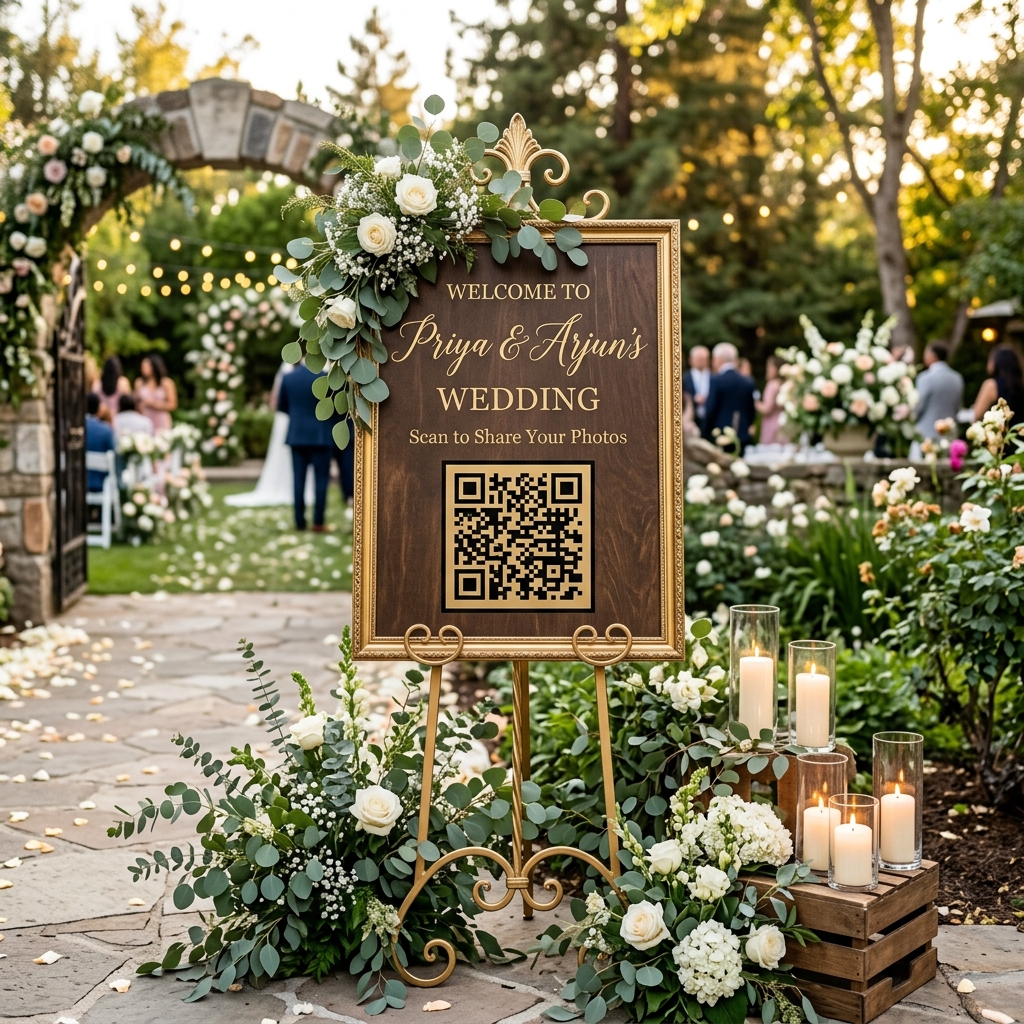
Once you're on the platform, create an event for your wedding. You'll typically enter the event name, date, and any branding details. Some platforms let you add a custom message that guests see when they scan the code — a nice touch ("Welcome to Priya & Arjun's wedding! Scan to share your photos 📷").
Step 3: Generate your QR code
The platform will generate a unique QR code linked to your event's album. Download it as a high-resolution image — you'll need it for print. Make sure the resolution is at least 300 DPI if you're printing it on stationery or signage.
Step 4: Add it to your wedding stationery and signage
This is where most people underinvest. A QR code no one sees doesn't get scanned. Print it on:
- Table cards (one per table — most reliable placement)
- The back of your invitation insert
- A large welcome sign at the venue entrance
- The photo booth backdrop
- Printed menu cards
- Your wedding website
The more surfaces it appears on, the more scans you'll get.
Step 5: Share, collect, and enjoy
On the day, guests scan, upload, and browse. In the days after, you'll find your album filling up with photos you had no idea existed. Download everything, back it up, and relive your wedding through three hundred different perspectives.
Where to display your wedding QR code (so guests actually use it)
Placement determines participation. Here's where it works best, in order of effectiveness:
- Table cards — guests have downtime between courses, they pick up the card, they scan. This is your highest-converting placement.
- Venue entrance welcome sign — catches guests as they arrive, before the chaos begins.
- Photo booth backdrop — anyone using the booth is already in photo mode. Add the QR code here and they'll scan immediately.
- Invitation insert — reaches guests before the event so they know to expect it.
- Menu cards — another table-level placement with dwell time.
- Wedding website — link the album on your site so guests who miss the physical code can still access it.
- WhatsApp message the morning of the wedding — send the direct link (and a screenshot of the QR code) to your primary guest groups. Many guests will bookmark it before they arrive.
Can guests upload photos too, or only view them?
Both are possible — it depends on the platform you choose.
View-only mode means guests can browse the album but can't add to it. This works well if you only want professional photos in the album and don't want a mix of phone shots alongside them.
Upload mode means guests can contribute their own photos directly to the album. This is the more popular choice for couples who want to capture everything — candids, behind-the-scenes moments, multiple angles of the same moment. With EventPixel, guests can upload photos directly from their phone without creating an account. The photos go into a moderated queue if you prefer to review before they're visible to everyone, or they publish instantly if you want a live feed.
The best setups use both: the photographer's professional photos are in the album from the start, and guests add their contributions throughout the day and the days after.
EventPixel: QR code wedding photo sharing built for Indian weddings
Most photo-sharing tools are built for single-day Western-style weddings. Indian weddings are different — you have a mehndi, a sangeet, a haldi, a baraat, a pheras, and a reception, often across multiple days and venues. You need a solution that handles multiple events under one umbrella, not five separate albums you have to stitch together.
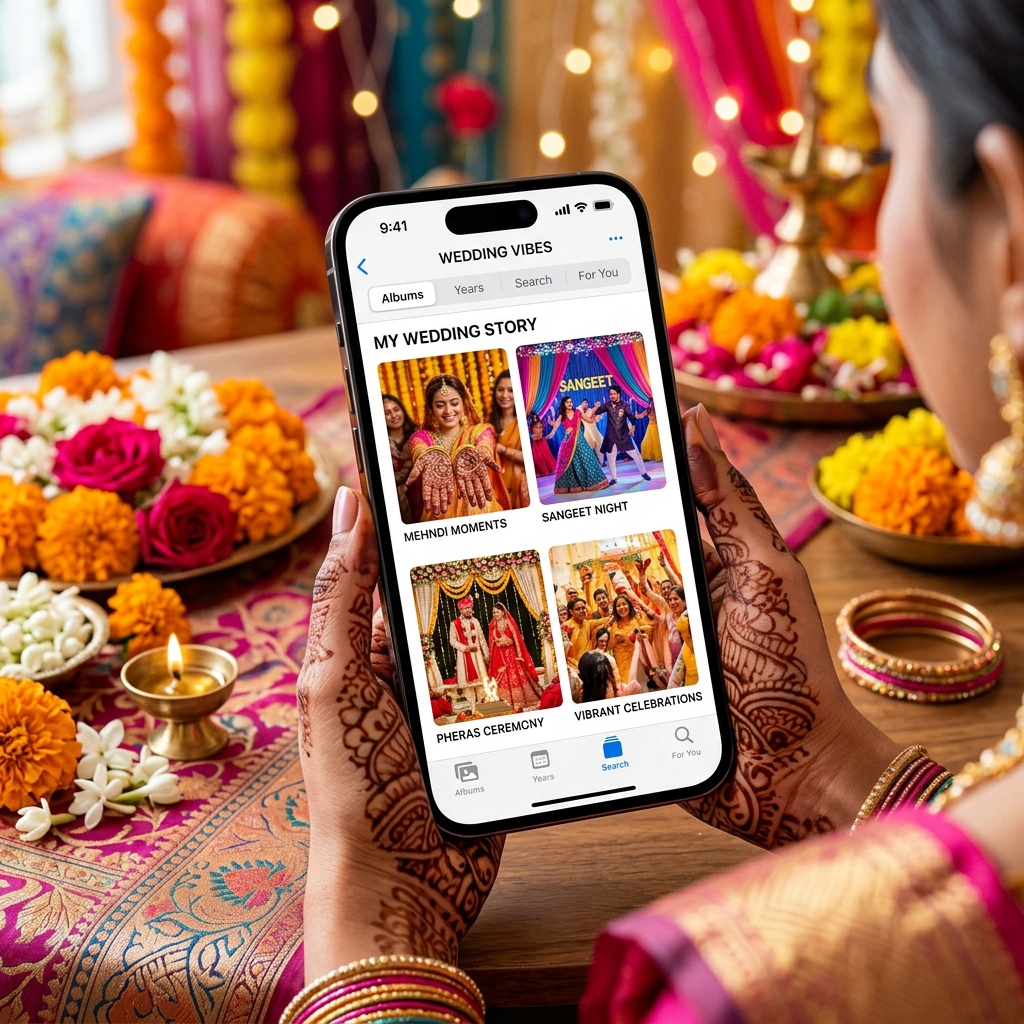
EventPixel was built from the ground up for this. Here's what makes it different:
- Instant QR generation — create an event and get a scannable code in under two minutes
- MagicFind AI face search — guests scan their face and find every photo they appear in, across thousands of images
- No guest app required — works directly in the browser on any phone
- Multi-event support — one couple, one account, all your functions covered
- Guest upload with moderation — accept or reject guest photos before they go live
- Razorpay-powered payments — Indian pricing, Indian payment methods, no foreign transaction headaches
Plans start at ₹9,999 for up to 10,000 photos with full MagicFind access. There's a free tier to get started, no credit card required.
Create your free wedding QR code on EventPixel →
Tips to get more guests to actually scan your QR code
A QR code only works if people use it. Here's how to make sure they do.
Announce it during the ceremony or reception. Ask your MC to mention it — "The couple has set up a photo sharing link, the QR code is on your table card, please add your photos so they can see everything." A 30-second announcement will do more than any number of printed cards.
Make the code large and high-contrast. The minimum printable size for reliable scanning is about 2.5 cm × 2.5 cm. On a table card, go bigger. Use black on white — never print a QR code on a patterned or coloured background without testing it first.
Add a short instruction line. Don't assume people know what to do. A single line next to the code — "Open your camera, point at this code, tap the link" — removes all hesitation. Some guests have never scanned a QR code and won't admit it.
Send the link on WhatsApp before the event. Your close family and friends will be the most engaged. Send them the direct album link (and the QR code as an image) on your wedding morning WhatsApp messages. They'll be ready to upload before the first ritual begins.
Run a best-photo contest. Announce a small prize for the best guest photo — judged by the couple a week after the wedding. It turns photo sharing into a game. You'll get ten times the uploads.
Ask the photographer to remind guests. Brief your photographer before the event. A quick mention from the person walking around with a camera carries a lot of credibility.
Frequently asked questions
Is a QR code for wedding photos free?
It depends on the platform. Most services offer a free tier with basic functionality — usually enough for smaller events. Paid plans unlock higher photo limits, AI face search, guest upload controls, and custom branding. EventPixel has a free plan you can use to test the experience before your wedding.
What happens to photos after the event?
Photos stay in your album for as long as your plan is active. On most platforms you can download the full album as a zip file at any time. We recommend downloading and backing up everything to a hard drive or Google Photos within a week of your wedding — don't rely solely on cloud storage you don't control.
Can guests view photos without creating an account?
Yes — on EventPixel, guests access the album via the QR code link without signing up for anything. No account creation, no password, no friction. If you've enabled password protection on the album, guests enter a single code (which you can print on the table card alongside the QR code).
How do I print a QR code for my wedding?
Download the QR code from your platform as a PNG or SVG at 300 DPI or higher. Send the file to your stationer or printer — they'll handle the rest. If you're printing at home, test the code on your printer before committing to a full run. Always scan the printed version before you distribute it.
Does it work for pre-wedding events like mehndi or sangeet?
Yes — and it should. The candid moments from a mehndi or sangeet are often the most joyful photos from the whole wedding week. Create a separate event in EventPixel for each function and generate a unique QR code for each. You can share all the albums with guests from a single link at the end.
The bottom line
A QR code for wedding pictures is one of those additions that costs almost nothing and delivers something you can't put a price on: every photo from your wedding, from every angle, in one place.
Set it up before the invitations go out. Print it everywhere. Tell people about it on the day. You'll spend the years after your wedding grateful you did.
Start for free on EventPixel — no credit card required →
*Related reads:*
- *How AI photo sharing is changing wedding photography*
- *EventPixel vs Kamero: Which platform is right for your wedding?*
- *How to share wedding photos with guests: a complete guide*