Birthday photo sharing

Birthday photo sharing
without an app for guests.

Your guests already take the best photos of the birthday person. Put one QR code on the table and every one of them lands in a private gallery, in original quality, without anyone installing anything.

No app for guests · Free for 100 photos · One-time $19, no subscription · Works after the party too

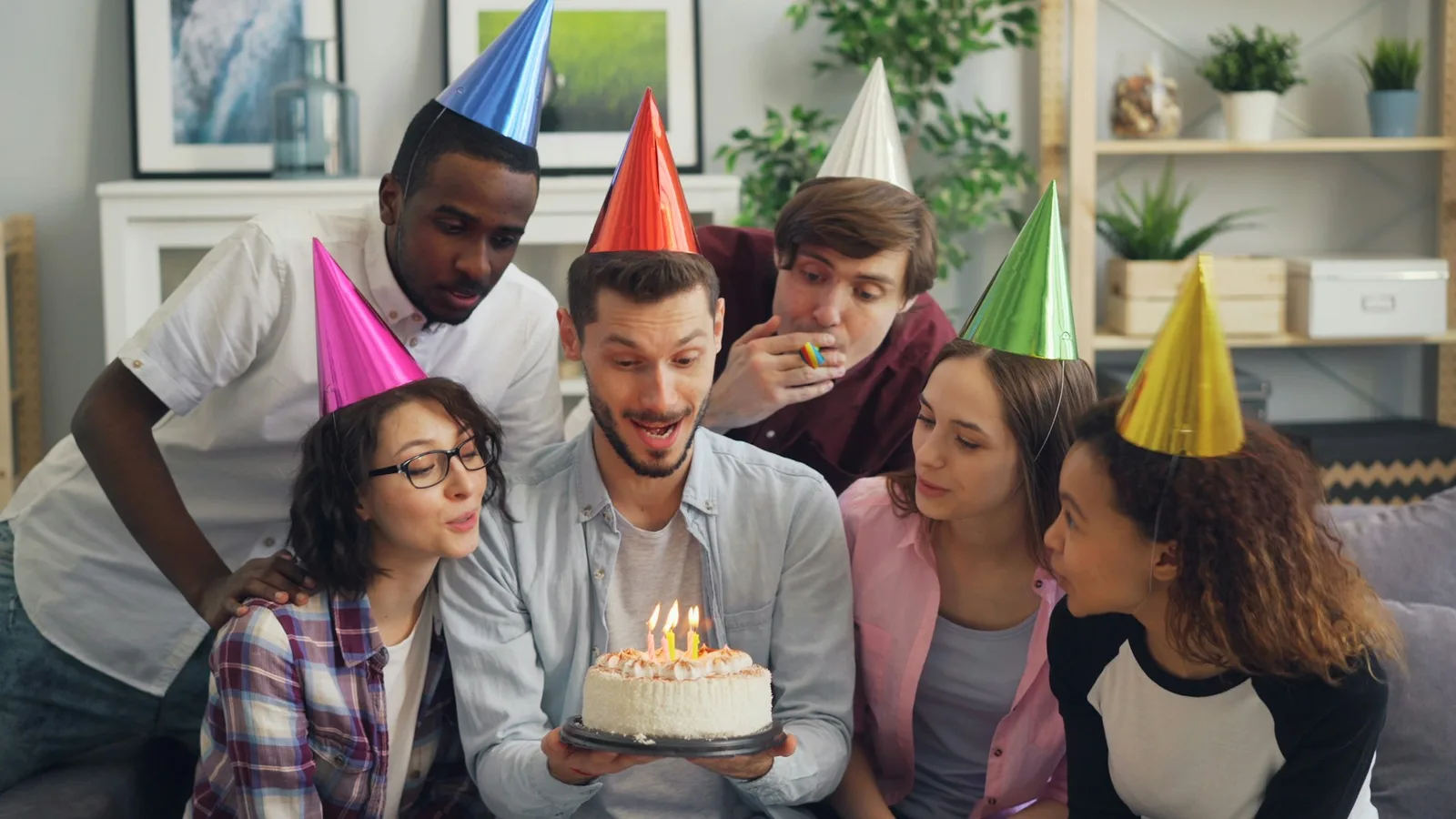
Friends in party hats gathered around a birthday cake
Maya's 30th
+

Birthday photos end up in twenty camera rolls

There is usually no photographer at a birthday. The cake, the candles, the reaction to the surprise: all of it is on your guests' phones. A week later you have four photos in a WhatsApp group, compressed, and a promise from your cousin to send the rest. EventPixel gives every guest one place to send their photos on the night. You wake up to the whole party in one gallery.

WhatsApp group

Compressed, mixed in with the messages, only reaches the people already in the group.

Disposable cameras

27 shots each, half of them dark, and a two-week wait to find out.

EventPixel

Every phone in the room, original quality, in the gallery within seconds.
How birthday photo sharing works with EventPixel

Set up in under five minutes. Nothing for guests to install.

1

Create the event before the party

Name it, pick the date, choose one of seven birthday designs. You get a link, a QR code and a print-ready sign straight away. Uploads and storage are counted from the party date, not from today, so set it up as early as you like.

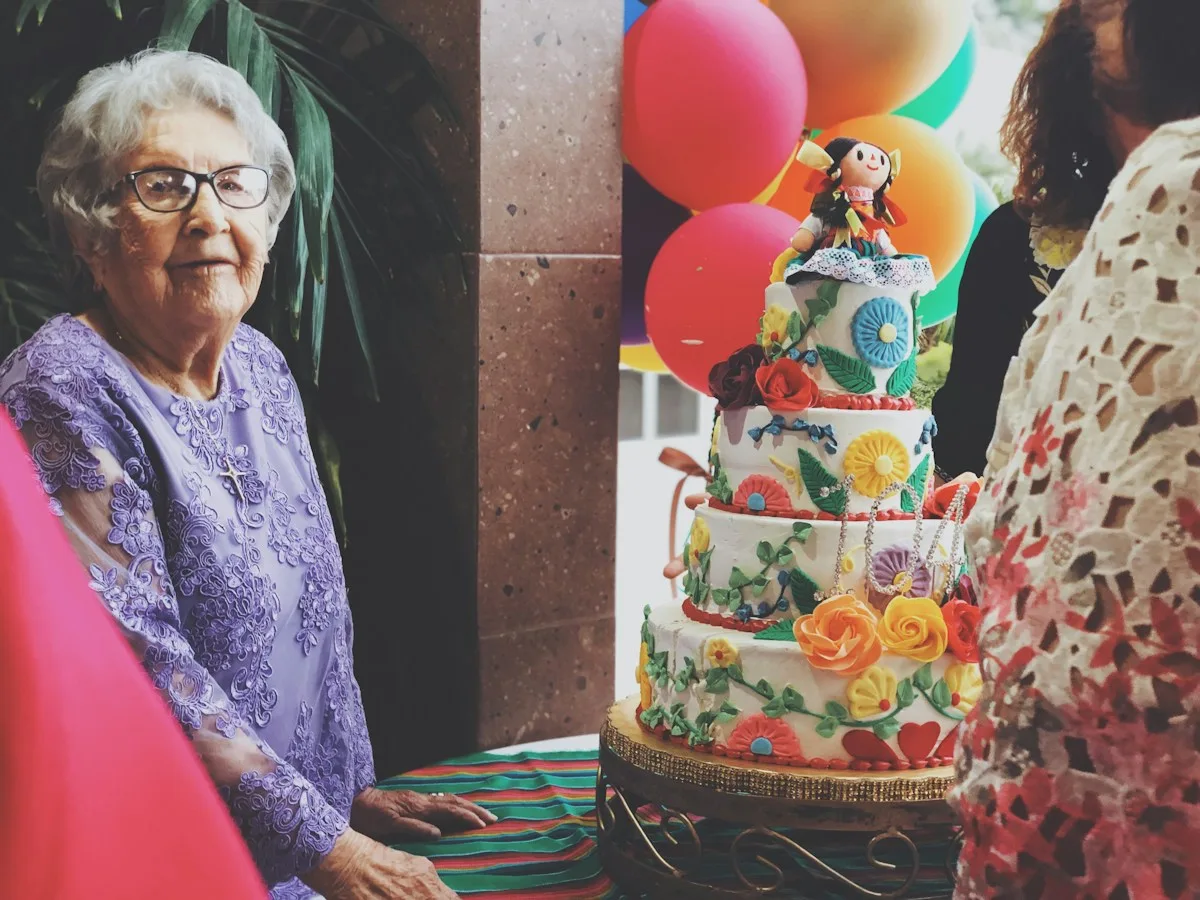
Grandmother beside a tiered birthday cake and balloons
SCAN
& SHARE

Maya's 30th

Scan to upload photos

2

Put the QR code where people gather

One sign by the cake, one by the drinks, one at the door. Free printable PDFs are included. Send the link in the group chat the day before too; guests who open it early upload the getting-ready photos.

3

Guests scan and upload from their browser

The phone camera reads the code, a page opens, they tap Upload. No download, no account, no login. It works on every iPhone and Android, and the grandparents manage it fine.

Open the demo gallery
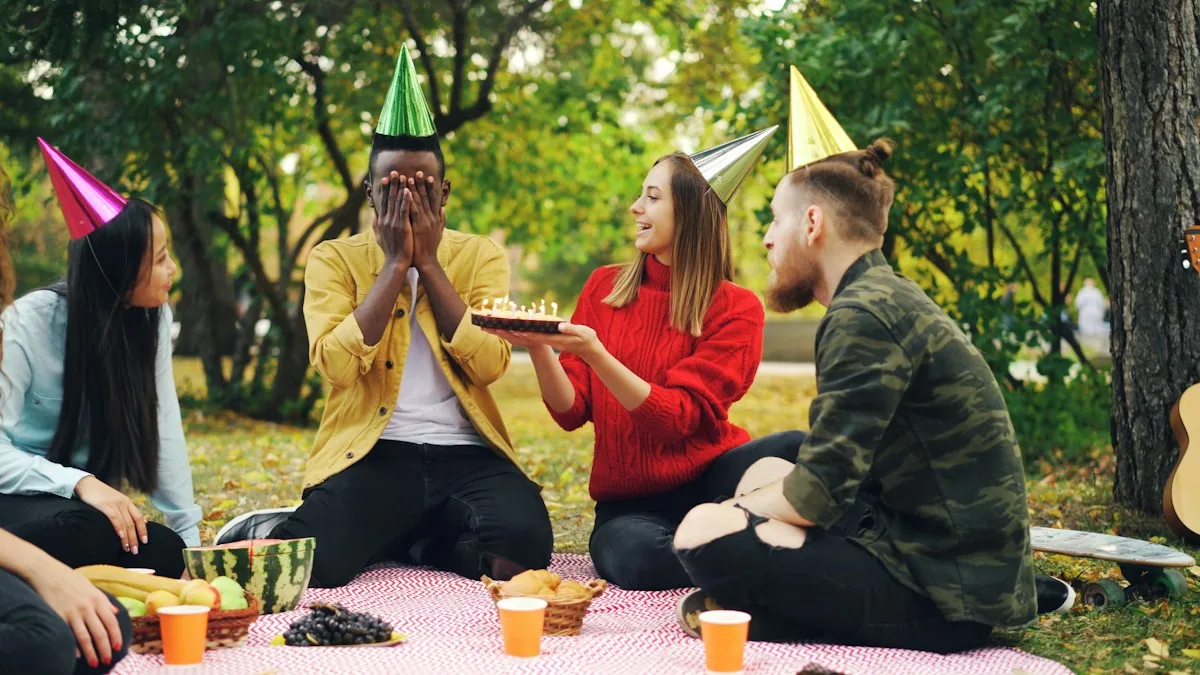
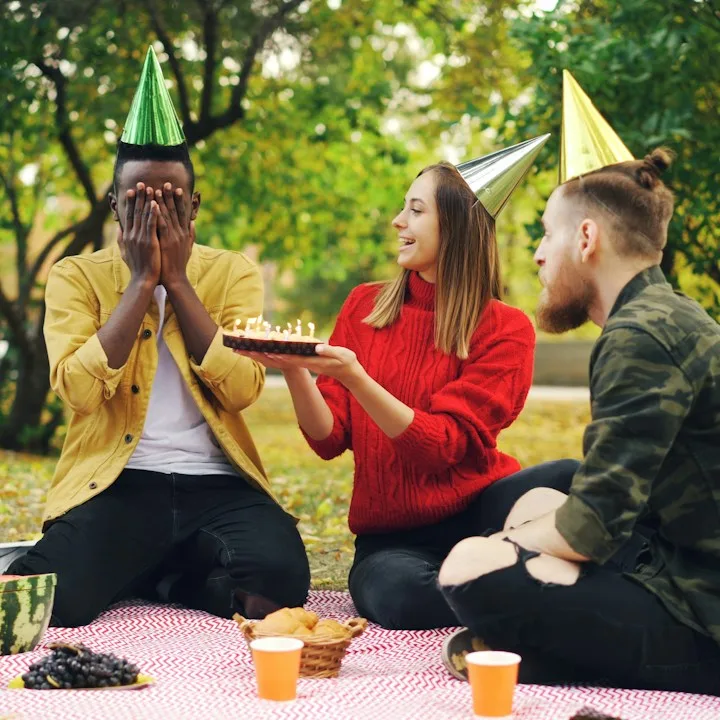
Friends surprising the birthday person with a cake at a park picnic
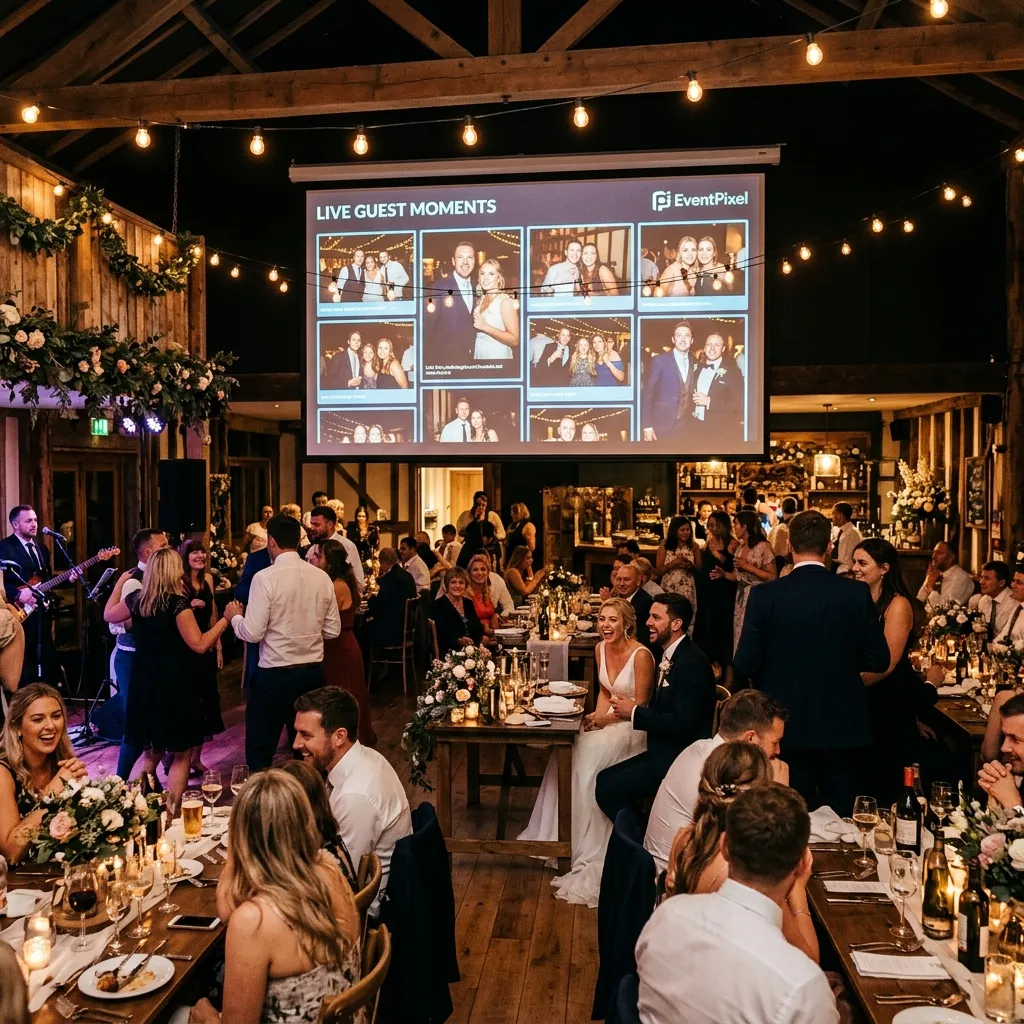
Live photo wall showing guest uploads on a screen

4

Watch the wall, then download everything

Connect a laptop or smart TV and the gallery runs as a live slideshow with the QR code on screen. Afterwards, one click downloads every photo at original quality in a ZIP.

For every kind of birthday

The same QR code, a different design and a different plan for each.

Kids' birthday parties

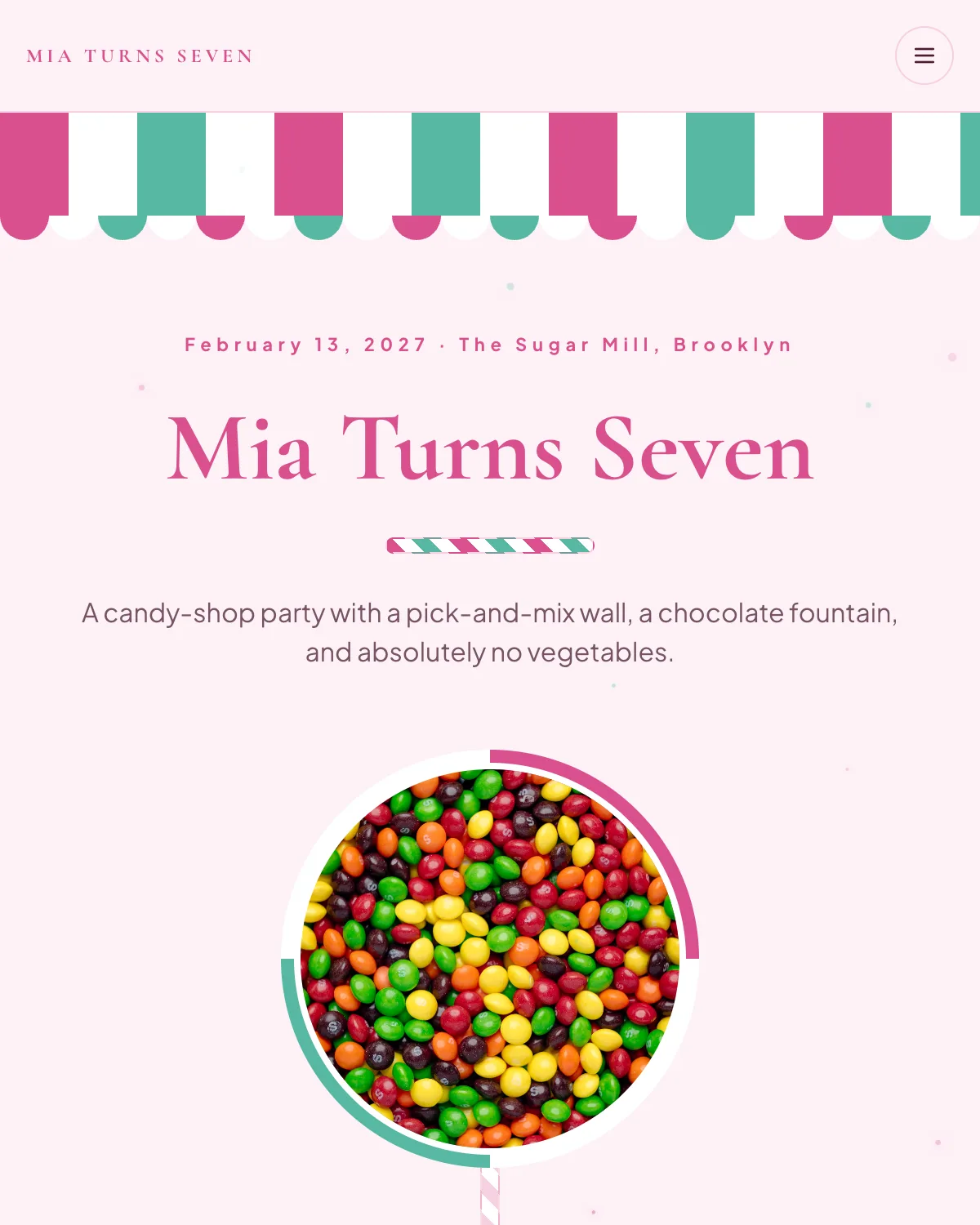
Parents take the photos at a kids' party, not the kids. A sign at the entrance addressed to parents and one by the cake catches every family's shots of their own child, and yours. The gallery is private to the link, nothing is posted to social media, and you decide whether other parents can download.

Design: Lollipop

First birthdays

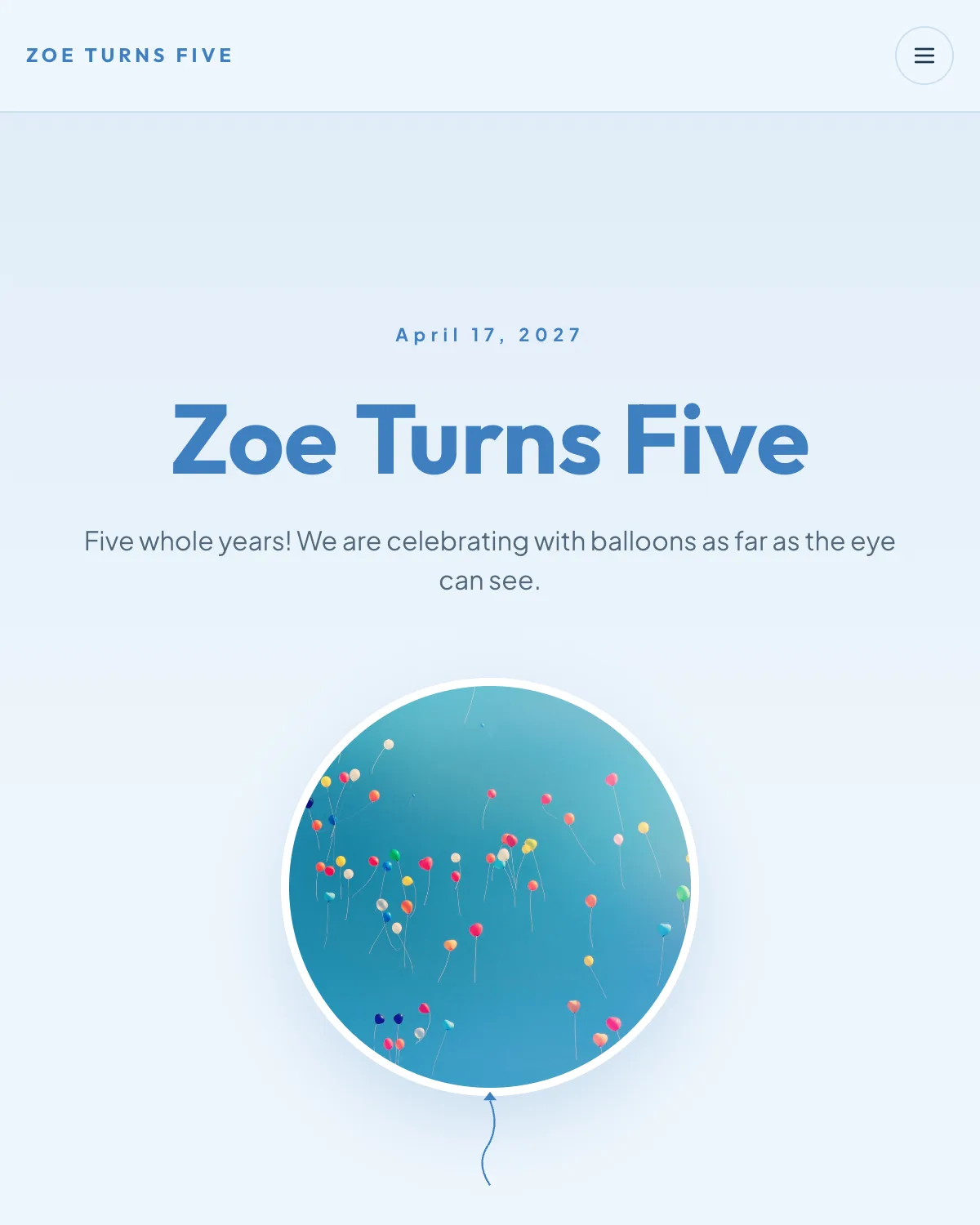
A first birthday is the one party the birthday person will never remember, so the photos are the whole point. Set the event up when you send the invitations; grandparents who cannot attend can watch the gallery fill up on the day. Uploads keep working for 30 days after the party on the free plan, so the photos people forget to send still arrive.

Design: Skyward

Quinceañeras and sweet sixteens

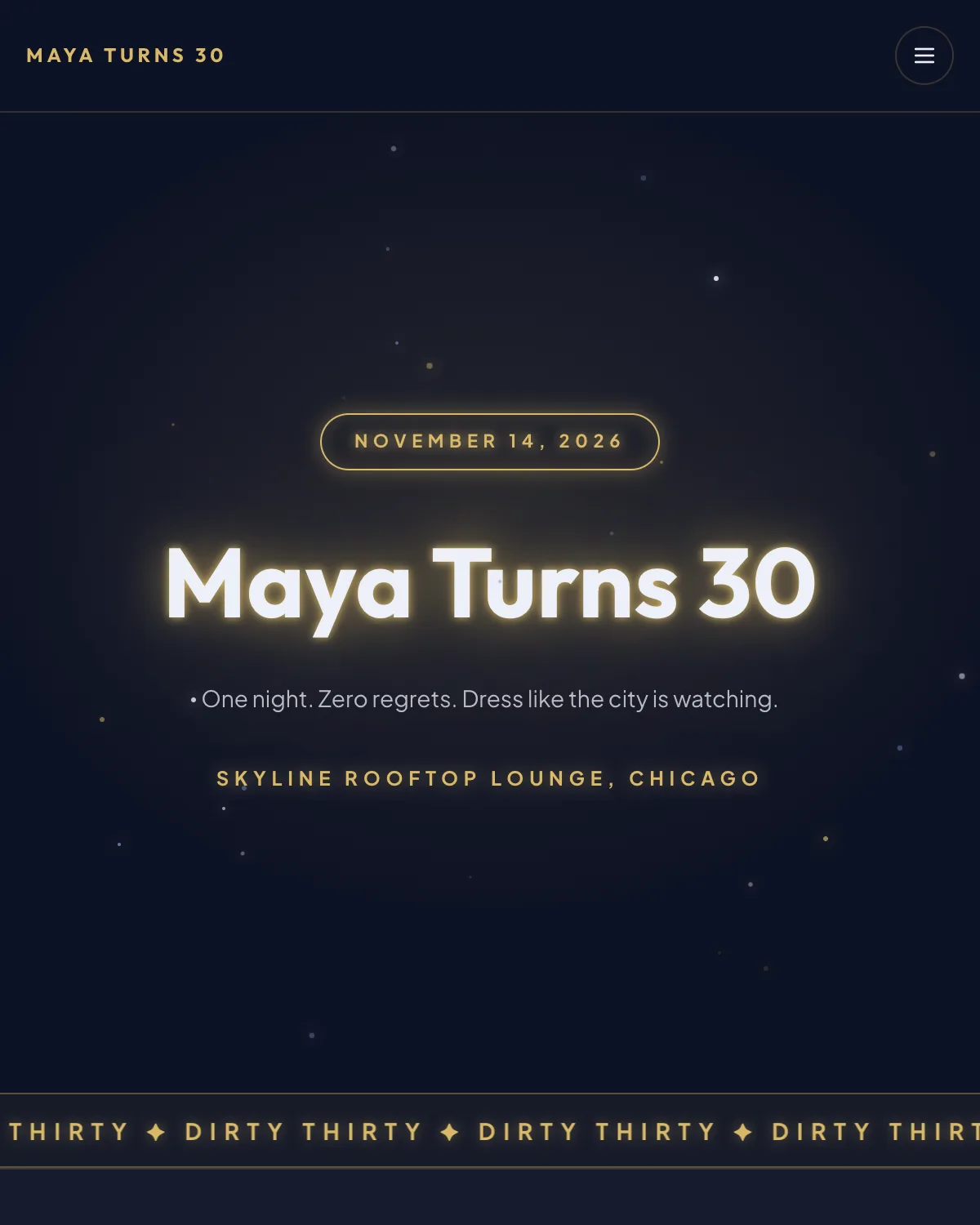
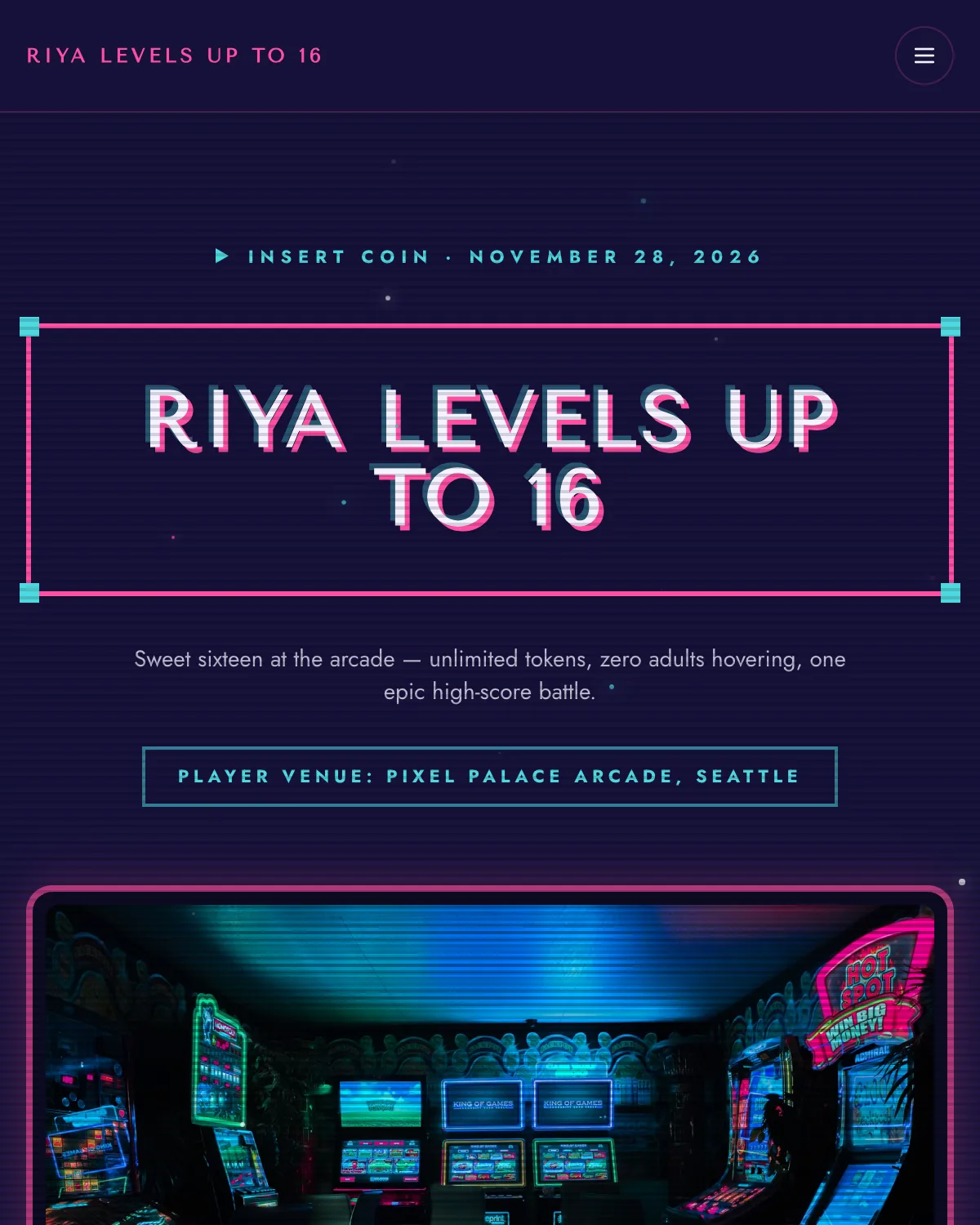
A quinceañera has a court, a mass, a reception and a hundred guests with phones. One QR code on the invitations and the tables collects the whole day, from the getting-ready photos to the last dance. With PixelFind, every guest takes a selfie and gets every photo they are in, so nobody scrolls through 800 photos to find the ones with their family.

Design: Gilded

18th and 21st birthdays

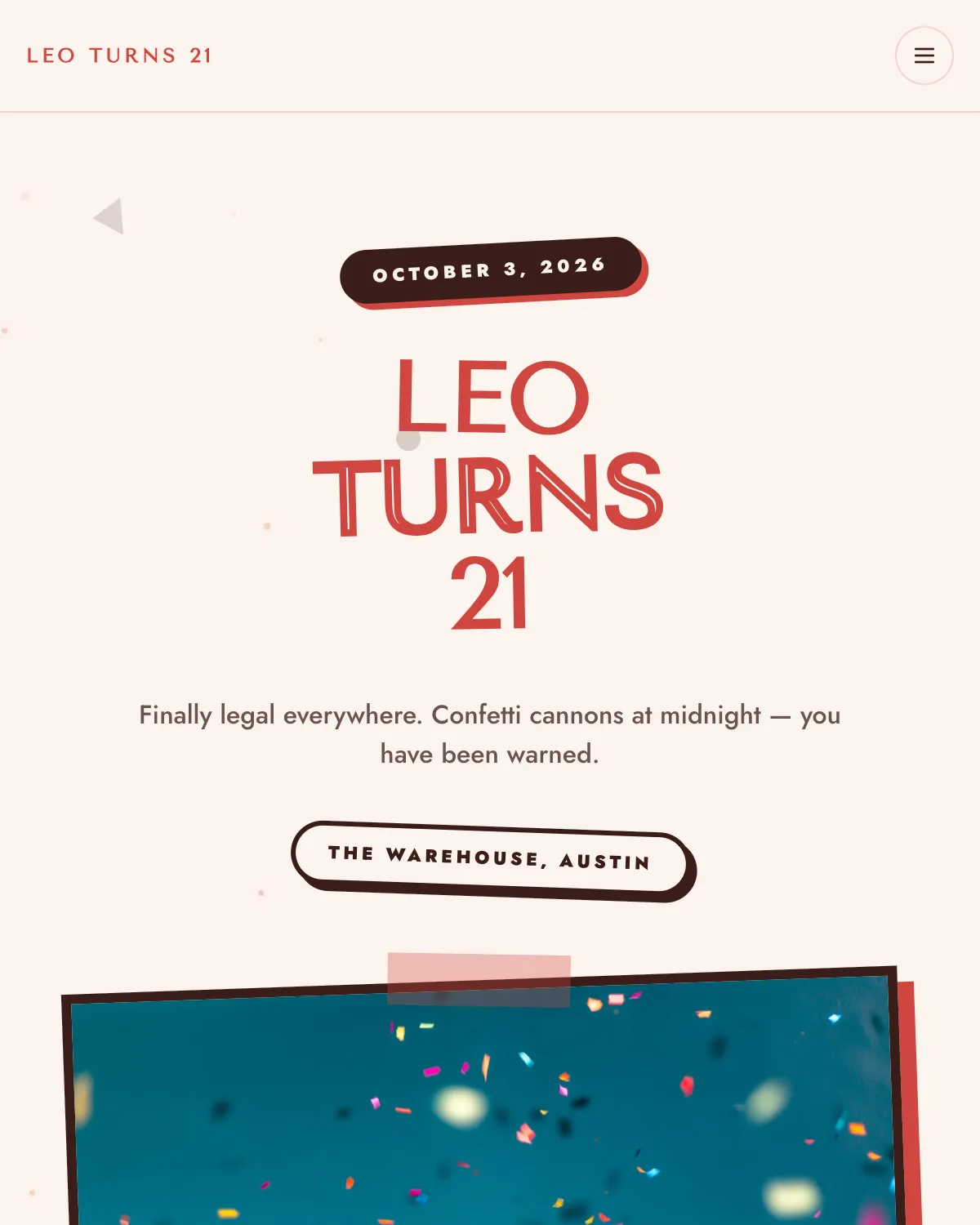
The photos from an 18th or 21st are the ones you will want in twenty years, and the ones most likely to vanish into a group chat. Keep the gallery open on a laptop and anything you would rather not have on the wall can be deleted within seconds of appearing. Add a password so only guests get in.

Design: Neon

30th, 40th and 50th birthdays

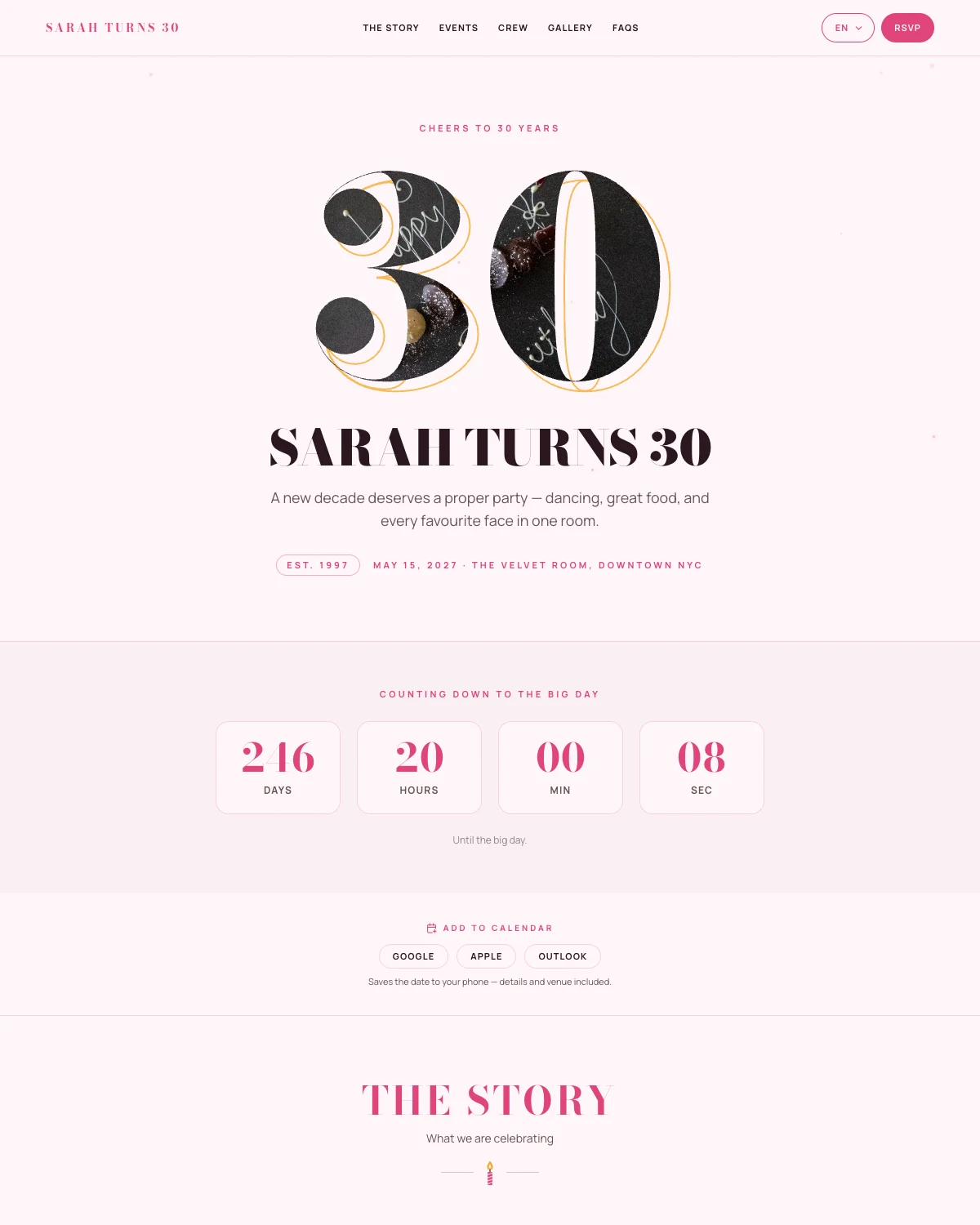
Milestone parties bring together people who have not been in the same room for years, which means the group photos matter. Put the QR code on the table tents and the bar. Afterwards, every guest can find every photo of themselves with one selfie and download their own set. That alone is why hosts pick the Premier plan for a 40th.

Design: Picnic

60th, 70th and 80th birthdays

The guest list spans four generations and half of them will not install anything. A QR code on the table and a link in the family chat is all it takes: anyone who can open a web page can upload. The birthday person watches the wall fill up on the TV, and afterwards one click downloads every photo at original quality for the album.

Design: Milestone

Surprise parties

Send the link to the guests, not the birthday person. Guests upload the setup, the hiding and the moment the door opens, and the gallery becomes the surprise's own record. Keep the QR code off the wall until the reveal and share the link only with the guests who are in on it.

Design: Confetti

Built for a birthday, not just any event

Everything a host needs on the night and nothing to configure.

No app, no account for guests

Scan or tap the link, upload from the browser. Works on any phone.

Original quality, always

No compression. What the guest's phone saved is what you download.

Live photo wall

Any TV or projector, updates within seconds, QR code stays on screen.

PixelFind face search

One selfie finds every photo of that guest. Host preview on Free and Classic, every guest from Premier. Selfies are never stored.

Free printable QR signs

Pick a design, add the name, download the PDF. Print at home or at any print shop.

Private by default

Unlisted gallery, optional password, and the host can delete any photo in seconds.

One-click ZIP download

Every photo, original files, from the dashboard.

Birthday website included

Schedule, RSVP, directions and the gallery behind the same QR code. Seven birthday designs.

Where to put a birthday QR code so people actually scan it

Six places, in the order they earn uploads.

  1. 1

    On the invitation

    Guests who scan before the party upload the getting-ready and on-the-way photos, which are often the best of the set.

  2. 2

    At the door

    A welcome sign is the one thing every guest walks past.

  3. 3

    By the cake

    Every phone comes out for the candles. A code within arm's reach gets the most uploads of the night.

  4. 4

    On the tables

    Table tents for a seated dinner; a single stand by the food for a buffet.

  5. 5

    On the screen

    If the live wall is running, the QR code is already on it.

  6. 6

    In the group chat, the morning after

    A good share of uploads arrive in the two days after the party, when people go through their camera rolls. One more post with a thank-you brings them in.

Free printable QR templates for every design are on the printable templates page.

Free for a small birthday, $19 if it fills up

One payment per event. No subscription, nothing that renews.

Free

$0

Your birthday page, the QR code, the live wall and 100 guest uploads. For a dinner of twenty or a small kids' party, that is usually the whole night. Uploads stay open for 30 days after the party.

Classic

$19one-time

Unlimited uploads for this one event, all seven designs, a 3-month upload window, 1-year storage and the ZIP download.

Premier

$39one-time

Everything in Small plus PixelFind for every guest, the audio guestbook, RSVP with meal choices and 12-month storage.

Grand

$69one-time

12-month uploads, 24-month storage and EventPixel branding removed.

14-day refund if the event has not started and the plan is unused. Prices shown in USD; change the currency on the pricing page.

Set it up today, use it on the day

Your upload window and storage start on the party date, not on the day you sign up. Create the event when you send the invitations, put the QR code on them, and forget about it until the cake comes out.

Birthday dinner table lit by sparklers

Real numbers, not testimonials

Counted from live events in our database, updated 2026-09-21.

6,700+
Photos shared by guests
190+
Events hosted
3,000+
Photos at one wedding

Birthday photo sharing questions

No. They scan the QR code or open the link, and the upload page opens in their phone's browser. No app, no account, no password.

Scan, tap Upload, pick photos from the camera roll. Uploads appear in the gallery within seconds. Guests can upload during the party and for 30 days afterwards on the free plan, longer on paid plans.
Yes for 100 guest uploads, the birthday page, the QR code and the live wall. A one-time payment removes the upload cap for that event. There is no subscription.

Yes. The upload window and storage are counted from the event date you choose, so set it up whenever you send the invitations.

No. Create the event now, set the party date, and send the link in the group chat. Uploads stay open for 30 days after the event date on the free plan and longer on paid plans, so the photos already sitting on everyone's phone still land in one gallery.

Not yet. EventPixel collects photos. Guests can upload as many photos as the plan allows.

Yes. Open the gallery from your dashboard and delete it; it disappears from the wall and the gallery at once. Photos appear as soon as they are uploaded, so for a party where that matters keep the gallery open on a laptop during the event, or turn off the QR code on the wall and share the link only with people you trust.

Yes. It is unlisted, reachable only by the link or QR code, and you can add a password. Nothing is posted publicly and photos are never used for anything else.

Yes. Open the photo wall link on any device connected to a TV or projector: HDMI, a smart TV browser, Chromecast, Apple TV or a Fire TV Stick. It updates as guests upload.

A guest takes a selfie in the gallery and PixelFind shows every photo they appear in. The selfie is used once and discarded. On the Free and Classic plans the host can preview it; from the Premier plan every guest can use it.

Free: uploads for 30 days, gallery viewable for 14 days, then locked but kept for a year. Classic: 3-month uploads, 1-year storage. Premier: 12-month storage. Grand: 12-month uploads, 24-month storage. You can download everything at any point.

Yes, and it is the safest way to collect photos of children from other parents. The gallery is private, nothing goes to social media, and you control whether other parents can download.

Yes. Create as many events as you like from one account. Each event has its own gallery, QR code and plan.

Related pages

Featured on
  • Featured on tinyshelf
  • EventPixel is featured on Spacerr
  • eventpixel.app - Featured on Startup Fame
  • Verified DR - Verified Domain Rating for eventpixel.app
  • Featured on saasfame.com
  • Featured on StartupBase
  • As seen on Launch Llama Newsletter