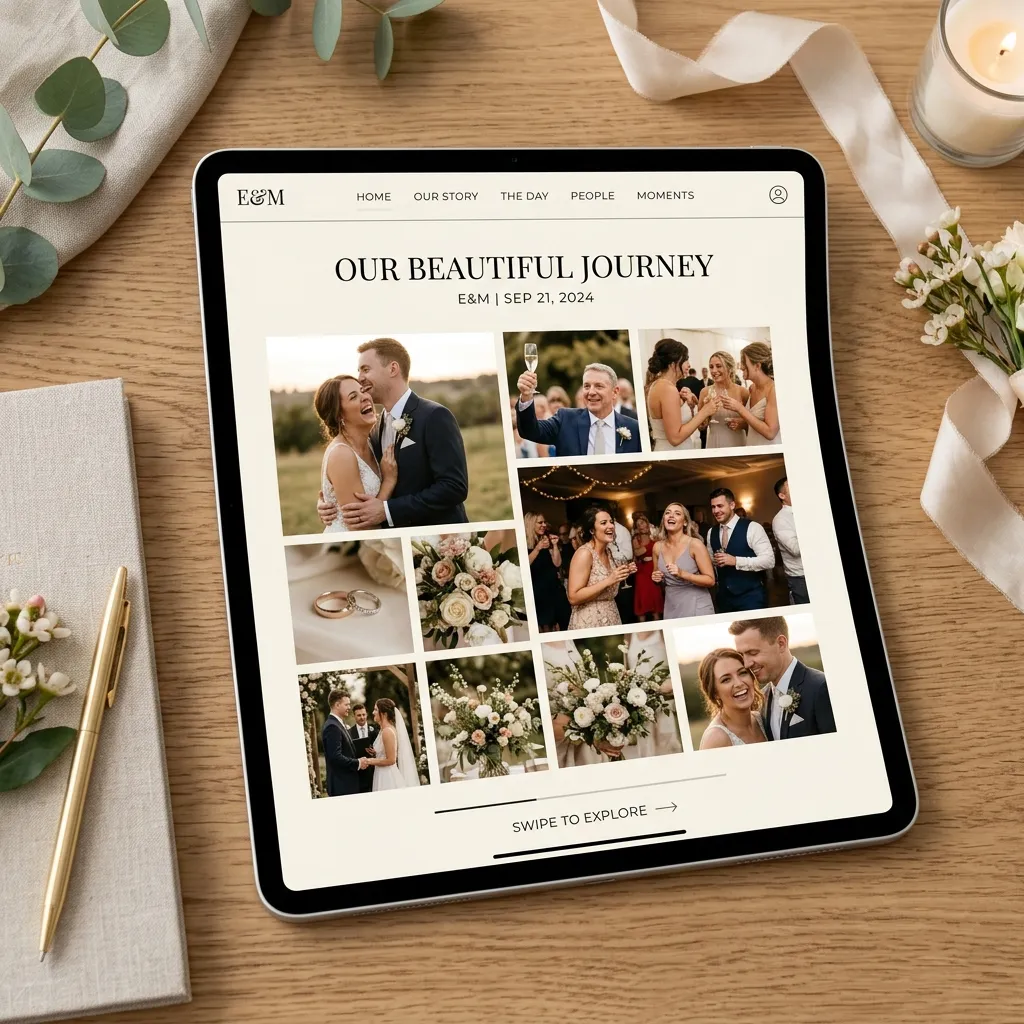
All your wedding photos.
None of the work.
Stop chasing guests over group messages, emails, or sketchy shared folders. EventPixel gathers candids, wedding portraits, and guestbook toasts in one premium, secure gallery.
Candid Guest Photos
While your photographer captures the structured moments, guests collect the raw, beautiful, authentic candids from every table.
Wishes & Voice Notes
It's more than a gallery. Guests can write heartwarming digital blessings or leave audio congratulations right from their phones.
Live Stream Connected
Guest photos are syncing in real-time...
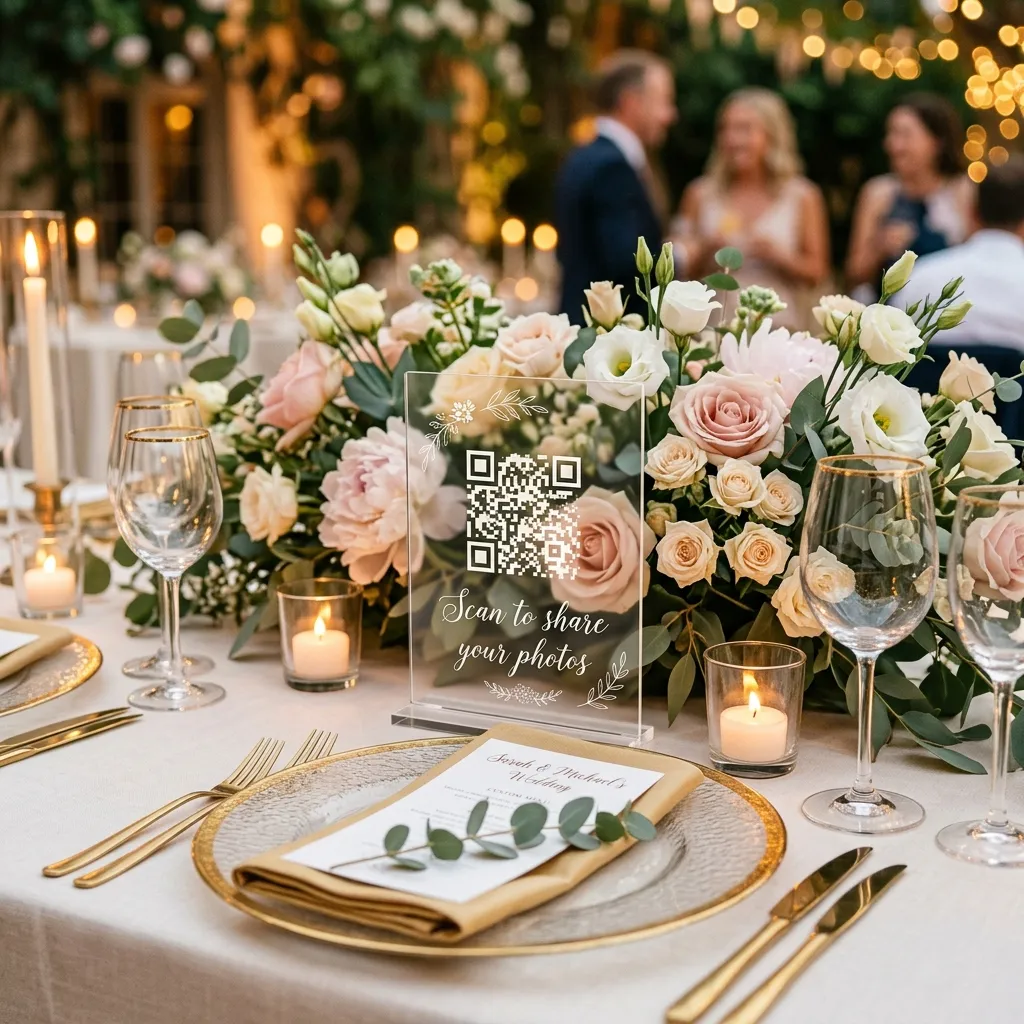
Instant QR Sign Access
Grandma-friendly design. Guests simply scan the QR card placed on tables or the bar, select photos, and upload in 1 tap.
Live Photo Wall
Turn photo sharing into entertainment. Stream a gorgeous live slideshow of uploaded photos on projectors or TVs in real time.
Hassle-Free Guest Photo Uploads
Establish your digital wedding hub in 4 straightforward steps.
01
Create Album
Customize wedding dates, couple names, and privacy guidelines. Setup takes under 5 minutes.
"David & Emma's Wedding"
02
Get QR Signs
Choose an elegant design template from our library, customize the text, and download your ready-to-print sign.
03
Guests Upload
Guests scan the QR code with their mobile phone cameras. They tap to select photos, add captions, and upload immediately.
04
Live Photo Wall
Stream updates live to a screen at the venue. Enjoy one-click original-quality downloads after the ceremony.

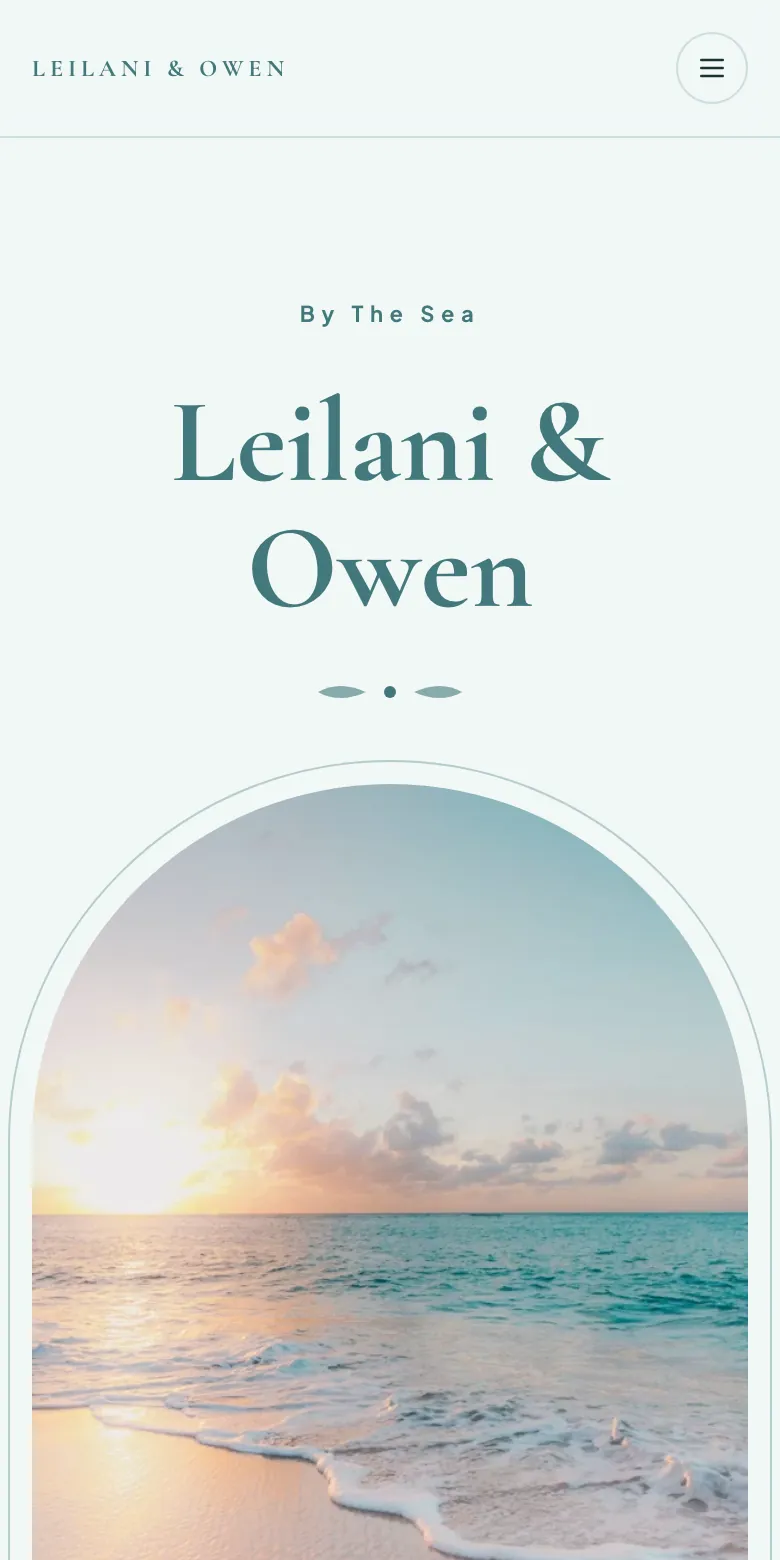
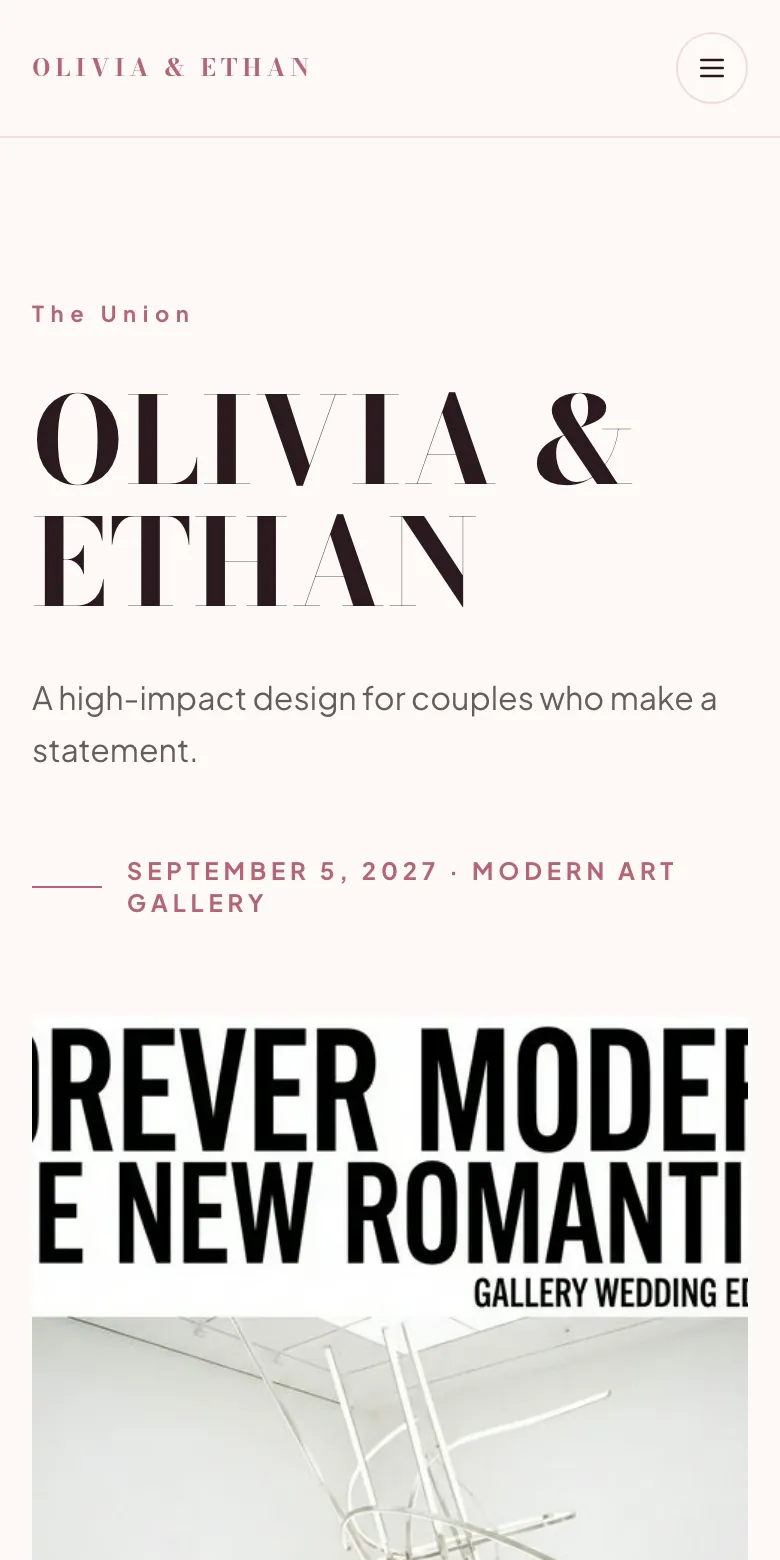

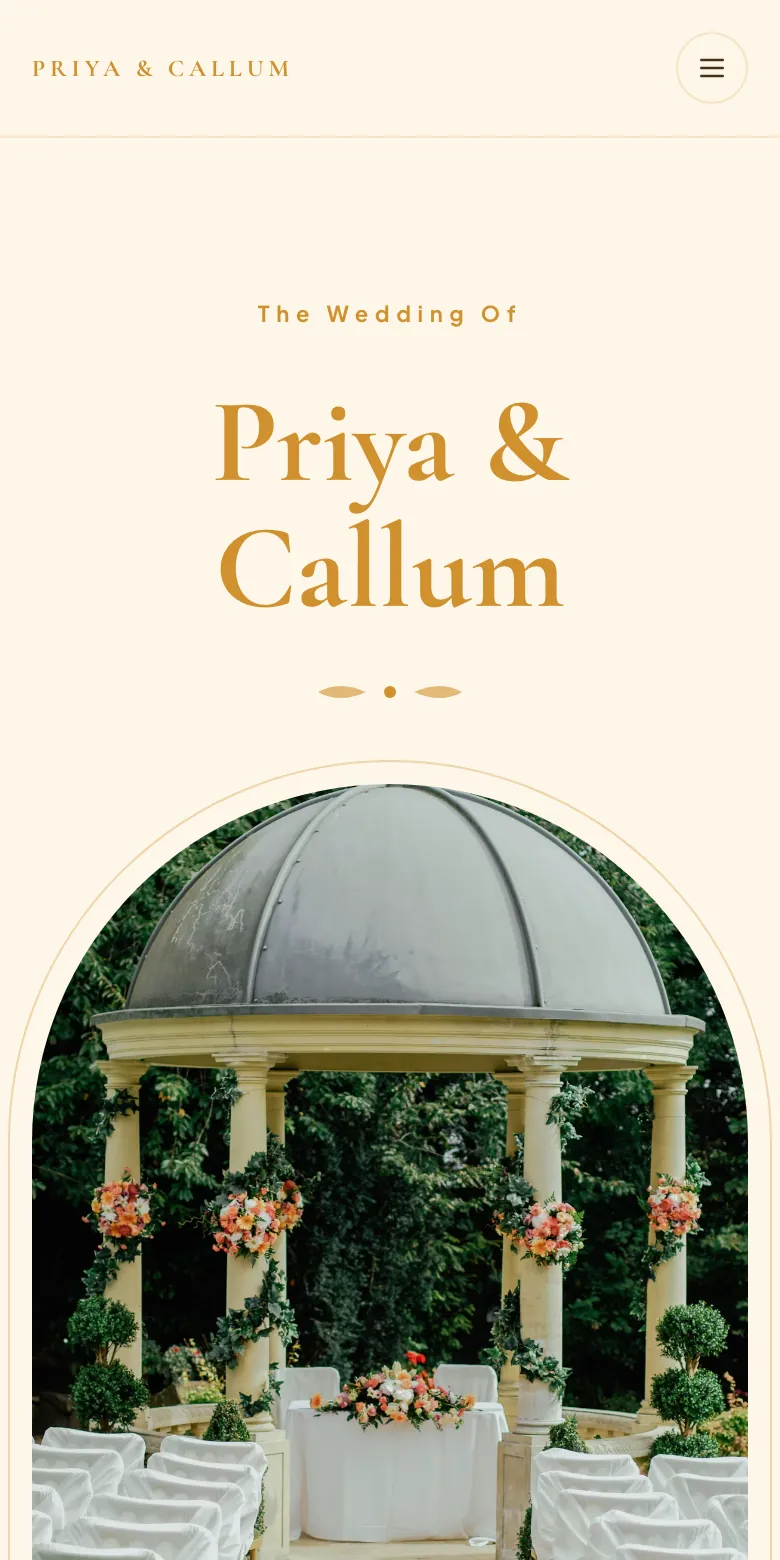
We Take Wedding Memories Seriously
Why settle for clunky chat logs or dated platforms? Choose an elegant system built exclusively to optimize guest contributions on your special day.
| Memory Feature | EventPixel | Messy Chat / Clunky Apps |
|---|---|---|
| Upload Friction | Zero friction. 1-tap web upload. No apps, no accounts. | Requires downloading a buggy app or registering a profile. |
| Live Photo Slideshow | Included. Updates instantly on smart TVs or projectors. | None, or requires expensive separate software. |
| High-Res Downloads | Unlimited original resolution downloads in a single click. | Compressed photos, or charges fee to download. |
| Wishes & Voice Memos | Integrated guestbook for written blessings and audio toasts. | Photos only, no emotional context or voice captures. |
| Printable Signs Builder | Beautiful customized QR code signs matching your wedding theme. | Ugly default QR code or zero print templates. |
| Setup Duration | Under 10 minutes. Super simple onboarding for the couple. | Tedious configuration or hours of manual spreadsheet work. |
Trusted for Global Celebrations
Our engineering systems are optimized to securely hold every live photograph and greeting during massive guest counts.
Upload Reliability
99.9%
Server uptime for active wedding streams
Couple Onboarding
2 min
To set up your gallery, QR code and wedding site
Guest Simplicity
1 Tap
Zero apps, zero accounts required
Moments Captured
3,000+
Photos collected at our largest wedding so far
Everything couples ask before the big day
The same questions, in the words people actually search. Straight answers, no upsell.
Wedding guest photo upload, without the app download
The reason guest photos never arrive is friction. Every app install, account signup or password reset is a moment where someone puts their phone away and goes back to the party. EventPixel removes all of it: a guest points their camera at the QR code on the table, the upload page opens in their browser, and they are sending photos within seconds. No store, no account, no password. It works the same on an eight-year-old Android as on a new iPhone, which matters when your guest list spans four generations.
The best wedding picture app for a big guest list
Above roughly 120 guests the problem changes shape. You stop worrying about whether photos arrive and start worrying about finding anything in the pile. A 200-guest wedding routinely produces two to three thousand photos, and nobody scrolls that. This is why PixelFind exists: each guest takes one selfie and instantly gets every photo they appear in, so you are not fielding "can you send me the ones of us?" messages for the next six months. It is included from our $39 plan rather than sold as an add-on.
How to collect wedding photos from guests, in practice
The whole flow is three steps and none of them are yours to run on the day. Before the wedding you create the event and print the QR signs, which takes about two minutes. During the wedding guests scan and upload, and the live photo wall shows what is arriving if you want it on a screen. After the wedding you open one gallery holding everything, download it at original quality as a single zip, and share the link back so guests can find their own photos. Nobody chases anybody, and nothing needs collating from twelve separate chats.
A wedding photo app instead of a WhatsApp group
A group chat feels free until you try to keep the photos. WhatsApp sends photos at Standard or HD quality and documents no original-file option, so what you keep is not what the camera captured. There is no cloud archive either: media lives on each person's device, and once a guest clears their storage it is gone permanently. A dedicated gallery keeps original files in one place you control, sorted, downloadable as a single zip, and still there in two years.
A QR code for wedding photos, done properly
Generating a QR code is trivial. Making guests actually scan it is design work. We give you printable table signs, welcome-board layouts and place-card sizes in your wedding's own colours and fonts, so the code looks like part of the styling rather than a sticker someone added. The code points at a page carrying your names and photo, so the first thing a guest sees is your wedding, not a generic upload form. One code covers the whole day.
A wedding photo sharing website, not just an upload box
The gallery sits inside a proper wedding website carrying your names, your story, your schedule and your RSVP form, in a template you pick and colours you choose. That matters more than it sounds: guests scanning a code that opens something clearly yours upload far more readily than guests who land on an anonymous form. The website is on every plan including the free one, so you can build the whole thing and decide about paying later.
Your digital wedding album, building itself as the day goes
Everything lands in one gallery in real time: photos from every guest, written wishes, and recorded voice messages. You can watch it fill during the reception on the live photo wall, or leave it alone and open it on the honeymoon. Nothing needs sorting afterwards, because it was never scattered across twelve chats to begin with. Download the whole thing at original quality whenever you want, as one file.
A wedding photo app with face recognition
PixelFind is our face search. A guest takes one selfie on the gallery page and gets back every photo they appear in, including the ones they never knew were taken. It runs on your gallery only and is never used to build a profile or shared with anyone. Practically, it is what turns a gallery from an archive nobody opens into something every guest actually uses, and it is the single feature most couples tell us they did not know they needed.
Is there a free wedding photo sharing app?
Ours is genuinely usable free rather than a demo: a wedding website, your QR code, the live photo wall and 100 guest uploads, with no card required. For a small wedding that may be all you need. Where free tiers usually break is the fine print elsewhere in this category, where one competitor keeps the gallery open for only 24 hours after the event and another stops at 50 photos. If you outgrow ours, upgrading takes one payment and keeps everything already uploaded.
How to actually get photos from your guests
The tool is the easy part. These four things decide whether you end up with two hundred photos or two thousand.
Put the QR code where people are already sitting
One sign at the entrance gets scanned by the first twenty arrivals and then forgotten. Signs on every table get scanned all night, because guests reach for their phones between courses and during speeches. The highest-performing setup we see is a table sign per table plus one larger board near the bar or the photo corner, where people queue with nothing to do. Skip the ceremony itself; nobody scans during vows, and you would not want them to.
Announce it once, from the microphone
A single spoken mention beats any amount of signage. Ask whoever is running the speeches to say one line early in the reception, before people have had too much to drink and while everyone is seated and listening. Something as plain as "there's a QR code on your table, scan it and drop your photos in" is enough. Couples who do this consistently report several times the upload volume of couples who rely on signage alone.
Start it the morning of, not at the reception
The getting-ready hours produce some of the best candid photos of the whole day, and they are the ones the couple never sees, because you are in separate rooms. Share the link with the wedding party the night before. The same applies at the other end: leave uploads open for a week afterwards, because a surprising share of photos arrive two or three days later when guests finally go through their camera rolls.
Give guests a reason to come back
The gallery is not only for you. Send the link out again a few days after the wedding and let guests find themselves with face search; that is when the second wave of uploads arrives, as people see the gallery and remember what is still sitting on their phone. It is also the moment the gallery does its real work, since guests who were on opposite sides of the room finally see the day as a whole.
One payment, for one wedding
No subscription and no per-guest charge. Start free, upgrade when you are ready — your upload window starts on your wedding date, not the day you pay.
| Plan | Price | What it includes |
|---|---|---|
| Free | $0 | Wedding website, QR code, live photo wall and 100 guest uploads. No card needed. |
| Classic | $19 | Unlimited guest uploads, voice messages, RSVP management and original-quality bulk download. |
| Premier | $39 | Everything above plus PixelFind AI face search and a longer gallery window. |
| Grand | $69 | Everything above plus a two-year gallery, registry and gift links, and unlimited co-hosts. |
Prices in USD and shown for a single event. Local currency is detected automatically at checkout.
Is this right for your wedding?
We would rather you picked correctly than picked us. Here is where we fit and where we do not.
A good fit if
- You have more than about 60 guests and want the candid photos, not just the photographer's set.
- Your guest list spans ages and phones, and anything requiring an install would lose half of them.
- You want one link that covers the website, the photos, the wishes and the RSVPs instead of four tools.
- Finding yourself in a gallery of thousands matters to you, so face search is worth having included.
Look elsewhere if
- You want files landing permanently in storage you own. Tools that upload straight into your own Google Drive do that better than we do, and your files never depend on us existing.
- You run several events a year. Our pricing is per event, so an annual subscription elsewhere will work out cheaper than paying us each time.
- You want the disposable-camera experience, where photos stay hidden until you develop them. That is a genuinely different product and we do not try to copy it.
- It is a small gathering of twenty close friends. A shared album is free and perfectly adequate at that size.
That honesty is the point. Our full comparison of twelve wedding photo apps, with prices verified against each vendor's live site, is on the blog — including what each rival does better than we do. Read the full comparison of twelve apps
Wedding photo guides
Everything we have written about collecting wedding photos from guests, in one place.
- 12 best wedding photo sharing apps, ranked
- How to collect wedding photos from guests
- Wedding photo sharing app without login or download
- QR code for wedding photos
- Make a free QR code guests scan to upload wedding photos
- Free printable wedding photo QR sign generator
- Create a digital wedding album
- WhatsApp group for wedding photos: what breaks
- Google Photos shared album for a wedding: what breaks
- Digital wedding guest books, reviewed
- AI face recognition for wedding photos
- UK couples: pricing in pounds
Real numbers, not testimonials
Counted from live events in our database, updated 2026-09-21.
From the help centre
- Do guests need an app or an account?No app and no account for uploading, viewing the gallery or the live wall. The only optional sign-in is for PixelFind face search.
- How guests find their photos with a selfieStep by step for guests: open the gallery, tap Find My Photos, sign in, take a selfie, download matches. Plus selfie tips that improve results.
- How long photos are kept, and how to delete an event or accountLocked galleries keep every photo; free events are retained a year after locking. How to delete a photo, an event, or your whole account.
Frequently asked questions.
Have questions about guest uploads, print resolutions, or security settings? We have you covered.
Absolutely not. Unlike other photo sharing tools, EventPixel is completely web-based. Guests scan the unique QR code on your table signs or tap your event link, and they can upload photos and wishes instantly without downloading a single app or registering an account.
Yes, you own 100% of your memories. You can download individual photos or download all files at once as a high-resolution zipped folder in just a click. We keep them in full, original quality without compressing them.
EventPixel acts as a modern digital guestbook. When guests scan the QR code, they can type and submit warm wishes, record voice messages, and upload pictures. All entries are captured in a live gallery that you and your guests can view in real time.
Yes! We provide free, highly polished QR code templates that you can download and print at home, or you can order beautiful physical table cards and printed signs directly from our dashboard.
Our Live Slideshow is a web page that automatically updates in real-time as guests upload photos. Simply connect any device with a browser (like a laptop, iPad, or Smart TV) to a projector or screen, and let guests see their captured moments display live!
Yes. Only people who scan your QR code or have your direct link can access the gallery. We do not own, sell, or interact with your photos. They are entirely yours and strictly private.
There is no cap on guests at any tier, including the free plan. The free plan limits total uploads to 100 photos rather than limiting people, so a 200-guest wedding can all take part; you simply upgrade when you want the volume. Paid plans have no upload limit at all.
Your gallery window depends on the plan, and it starts on your wedding date rather than the day you pay, so buying early costs you nothing. The Grand plan runs a two-year gallery. Whatever the window, you can download everything at original quality as a single zip at any point, and those files are yours permanently.
Yes, and most couples do. Setup takes about two minutes: create the event, pick a website template, print the QR signs. You can share the link with the wedding party in advance for the rehearsal dinner or getting-ready photos, and the same code keeps working across every event of the weekend.
Yes. One QR code covers the whole celebration, and you can keep each function in its own album so the mehndi, sangeet, ceremony and reception do not merge into a single undifferentiated stream. Unlimited co-hosts on the Grand plan means family members can help moderate rather than everything routing through you.
Yes, guests upload video the same way they upload photos, straight from the browser with no app. Video uses storage considerably faster than photos do, so if you expect a lot of it, the larger plans give you room to work with.
Yes. You and any co-host can delete anything from the gallery at any time, and deletions are immediate everywhere, including on the live photo wall. Photos go live on upload, so keep the dashboard open on a phone during the event if you want to react fast.
No, and it is not meant to. Your photographer captures the day properly; this captures the hundreds of moments they were not standing next to. The two work well together, and plenty of photographers point guests at a couple's EventPixel gallery so they are not fielding candid requests themselves.
They are yours. We do not sell, license, train on or otherwise use your photos, and the gallery stays private to people with your link or QR code. When you want it gone, you can delete the event and everything in it.






