How to Add a Wedding QR Code for Instant Photo Sharing
Learn how to set up a wedding qr code for instant photo sharing. Collect candid guest photos and deliver professional pictures effortlessly. Get started free!
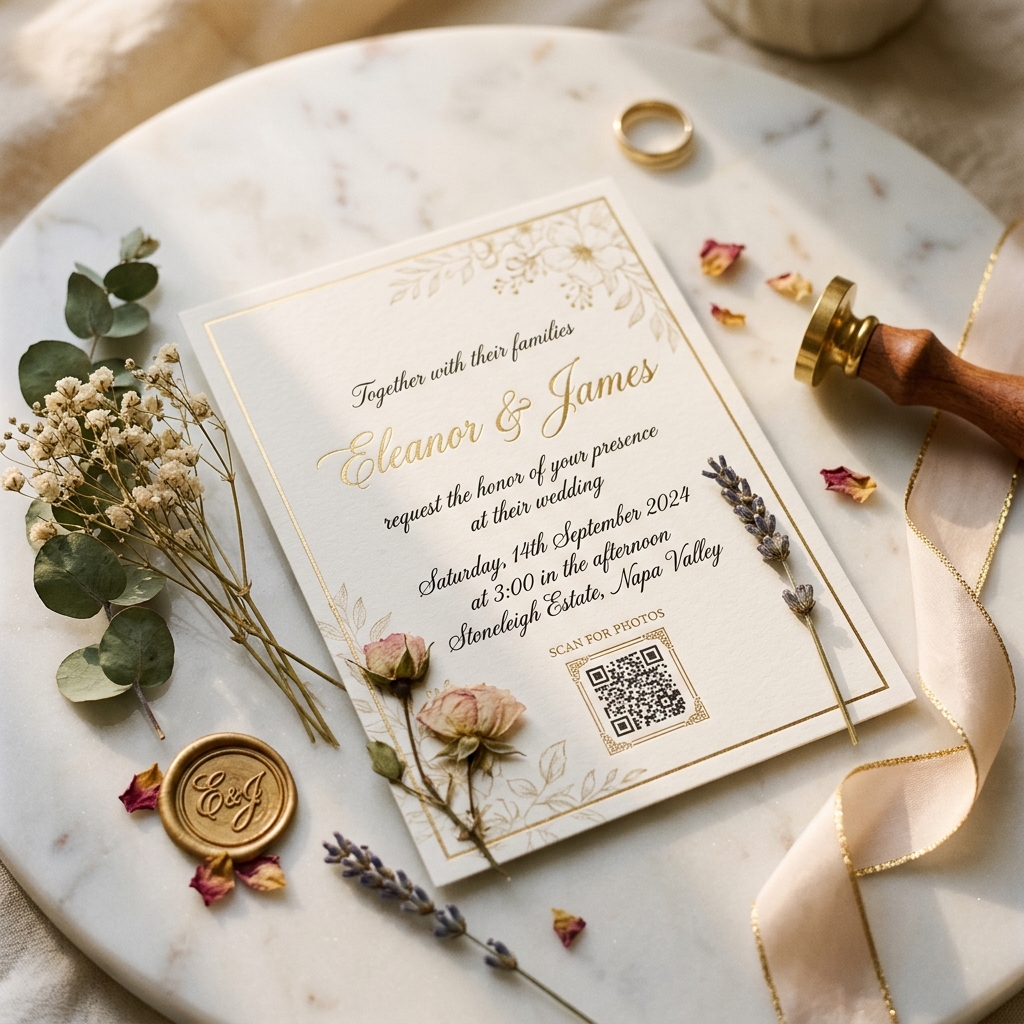
What Is a Wedding QR Code and Why Couples Are Obsessed With Them
At its most basic level, a wedding qr code is a scannable pixel barcode that connects your guests directly to a shared digital photo gallery. Instead of downloading an annoying application or registering for a new service, guests simply open their native phone camera, point it at the printed code, and tap the link that appears on their screen.
This technology has taken the wedding planning world by storm because it solves the ultimate post-event headache: gathering the candids. Your professional photographer is hired to capture the main milestones, like the exchange of vows or the first dance. But they cannot be everywhere at once to catch your college roommate laughing at a table joke or your favorite aunt wiping away a tear.
The beauty of a modern platform like EventPixel is that it does not just act as a static link. While generic codes simply direct users to a boring, shared folder, a premium platform provides an interactive experience. The code unlocks a personalized portal where guests can view professional sneak peeks and upload their own phone snaps.
Even better, it features private AI face recognition called MagicFind. When a guest scans the code and uploads a quick selfie, the system instantly searches the entire event gallery and displays only the photos they appear in. It feels like magic to your guests, and it saves them from scrolling through thousands of images to find themselves.
The Old Way vs. The QR Code Way (Photo Sharing Before and After)
Before scannable codes, collecting photos from guests was a chaotic chore. Couples tried using custom social media hashtags, but compressed uploads and privacy settings meant many photos remained hidden. Others tried setting up shared cloud folders, but older relatives struggled with sign-ins and upload limits.
Some couples resorted to creating massive WhatsApp or iMessage group chats. This resulted in compressed, low-quality images that ruined the vibrant colors of your floral arrangements and attire. Furthermore, notifications would constantly buzz on everyone's phones for weeks, creating general annoyance.
With a dedicated wedding qr code, all of these points of friction disappear completely. The system works effortlessly across both iOS and Android devices without requiring a single app download. Your seventy-year-old uncle and your tech-savvy teenage cousin can both navigate the interface without needing assistance.
Here is how the two approaches compare in practice:
| Feature | The Old Way (Hashtags, Chats, Generic Folders) | The QR Code Way (EventPixel Platform) |
|---|---|---|
| **Image Resolution** | Highly compressed, blurry, and stripped of detail | Full, original high-resolution quality preserved |
| **Guest Onboarding** | Account registration, app downloads, or group invites | Instant, app-free access via native phone camera |
| **Curation Control** | Zero moderation; anyone can see or delete everything | Host moderation queue to review photos before they go live |
| **Search Experience** | Manual scrolling through thousands of random pictures | AI-powered facial recognition search in under a second |
| **Global Access** | Limited by regional apps or account restrictions | Fully accessible worldwide on any mobile web browser |
5 Creative Places to Put Your Wedding QR Code
A scannable code is only effective if your guests actually notice it. To get the maximum number of photo uploads and views, you should place your wedding qr code in highly visible spots throughout your venue. Here are five creative placement ideas that work perfectly for both American and Indian celebrations:
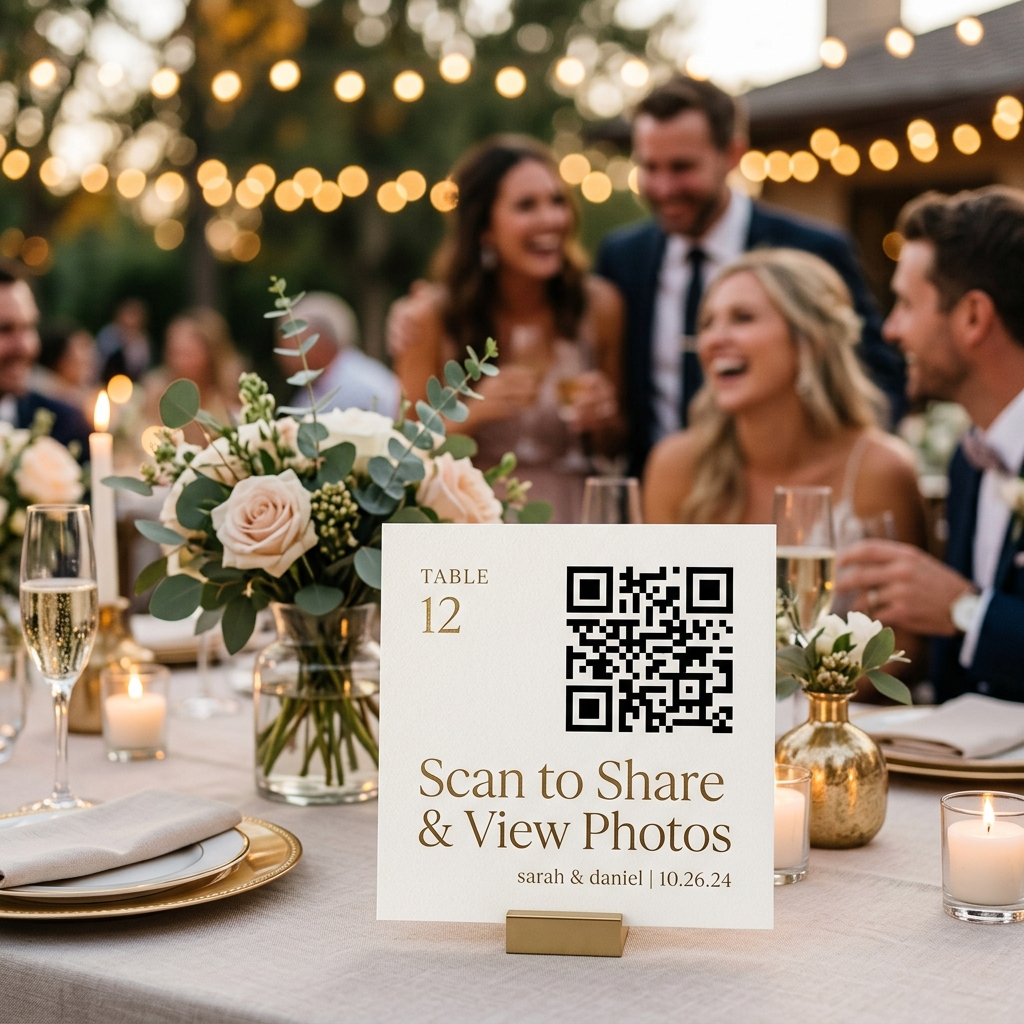
1. The Elegant QR Code Wedding Invitation Insert
Include a beautifully formatted insert card directly inside your main invitation suite. If you are sending digital invitations, you can embed the scannable code directly onto the final page. This gives your guests a preview of the digital gallery and lets them know exactly how you plan to share memories before the festivities even begin.
2. Sleek Table Tent Cards
Your guests will spend a significant amount of time sitting at their tables during the reception dinner or lunch. Placing a small, elegant card featuring the code at the center of each table is the highest-converting method. Guests can scan it during natural breaks in the program, such as between courses or during speeches.
3. The Grand Venue Entrance Welcome Sign
Catch your guests' attention the moment they step into your venue. Whether you have a rustic wooden sign for a barn wedding in Vermont or a gorgeous floral archway in Mumbai, position a sign containing the code near the guest book. A quick scan as they enter ensures they have the link ready on their phones for the rest of the night.
4. Custom Printed Bar and Food Menus
The bar and buffet areas are natural gathering hubs where guests stand in line and wait. This brief downtime is the perfect opportunity for them to scan a code printed directly onto the drink menu or food placards. You can add a playful call-to-action like, "Scan to share your favorite shots while you wait for your cocktail!"
5. A Photo Booth Backdrop or Favor Tag
If you are set up with a custom photo booth or are handing out personalized wedding favors, include the code nearby. You can attach a tiny, elegant tag to your favor boxes that reads, "Take our memories home with you! Scan to view the official gallery." It is a sweet, functional thank-you gesture that guests appreciate.
How to Set Up a QR Code for Your Wedding Photos (Step by Step)
Setting up a dedicated photo hub for your big day is surprisingly quick and simple. You do not need any special technical skills to create a beautiful, functional platform. Follow these five straightforward steps to get your gallery up and running in under ten minutes:
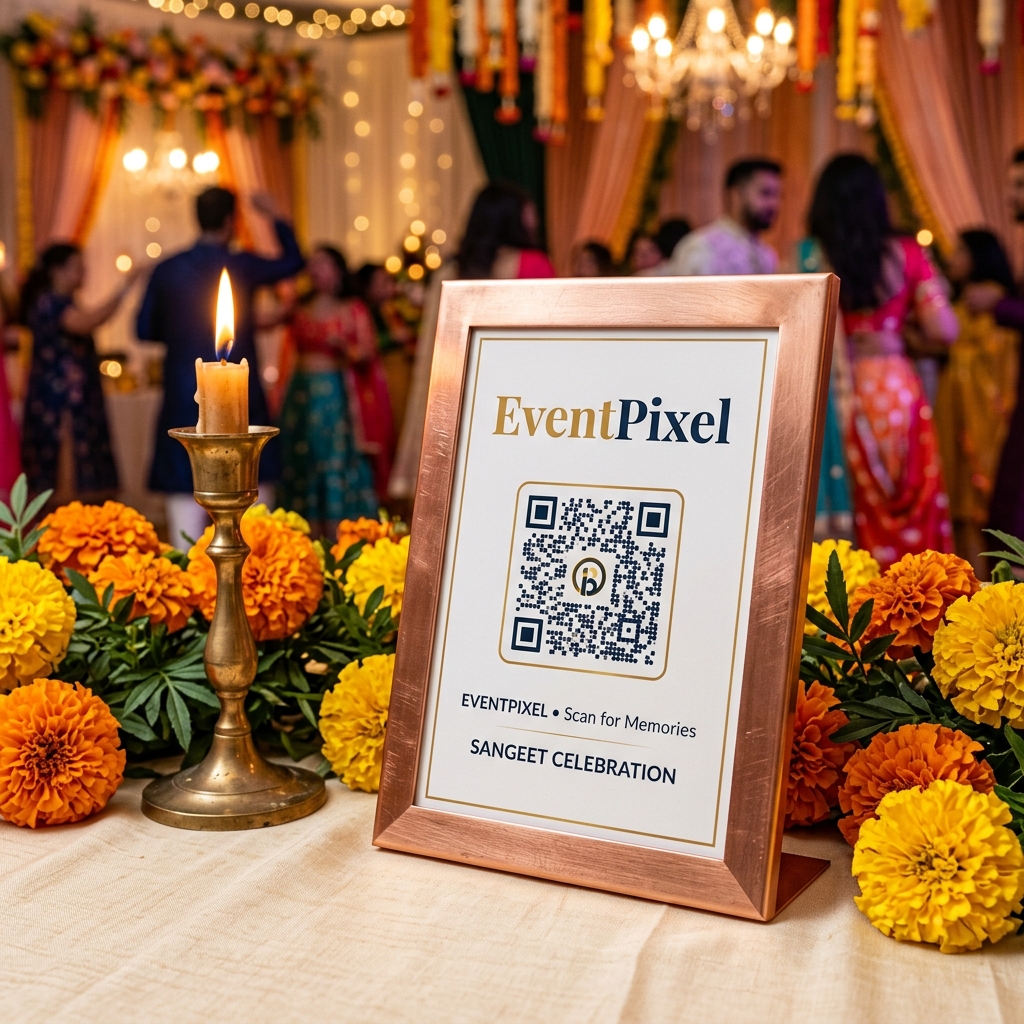
Step 1: Create your free EventPixel account
Visit eventpixel.app and register using your email or Google account. You do not need to enter a credit card to try the platform. The free tier gives you a perfect playground to test the guest experience and build your initial album.
Step 2: Enter your wedding details and upload a cover photo
Input your event name, date, and locations. Upload a high-resolution cover photo of the two of you. This image will serve as the beautiful header banner that welcomes your guests the moment they scan the printed code.
Step 3: Customise your gallery settings and privacy controls
Choose whether you want a public gallery where everyone can see all uploads, or a private gallery where guests only see their own photos using the MagicFind AI face search. You can also turn on the moderation queue if you want to review and approve guest uploads before they become visible to the public.
Step 4: Download your high-resolution scannable code
The platform will automatically generate your unique scannable graphic. Download it as a high-resolution image file (such as a PNG). This ensures that when you send the file to your professional stationery printer, the lines remain perfectly crisp and easy for phone cameras to read.
Step 5: Print, display, and start collecting memories
Send the file to your stationer or design your own table signs using free online templates. On your wedding day, simply watch your album fill up with gorgeous, authentic, candid perspectives from the people who love you most.
QR Codes for Multi-Day Weddings and Large Guest Counts
If you are planning a traditional South Asian celebration, your wedding is not just a single-day event. It is a spectacular journey spanning several days, including the Mehndi, Sangeet, Haldi, Pheras, and final Reception. Managing photo sharing across multiple days and venues can quickly turn into a logistical nightmare.
Using generic cloud folders or single-day apps often forces you to create separate links for every single function. This confuses your guests and leaves your memories scattered across multiple folders. EventPixel solves this by offering comprehensive multi-event support under a single dashboard.
You can create distinct sub-albums for every ritual while utilizing a single, master wedding qr code for the entire week. Guests scan the code once at the Mehndi and remain logged into the web portal for the rest of the festivities. They can easily toggle between the different event folders as the week progresses.
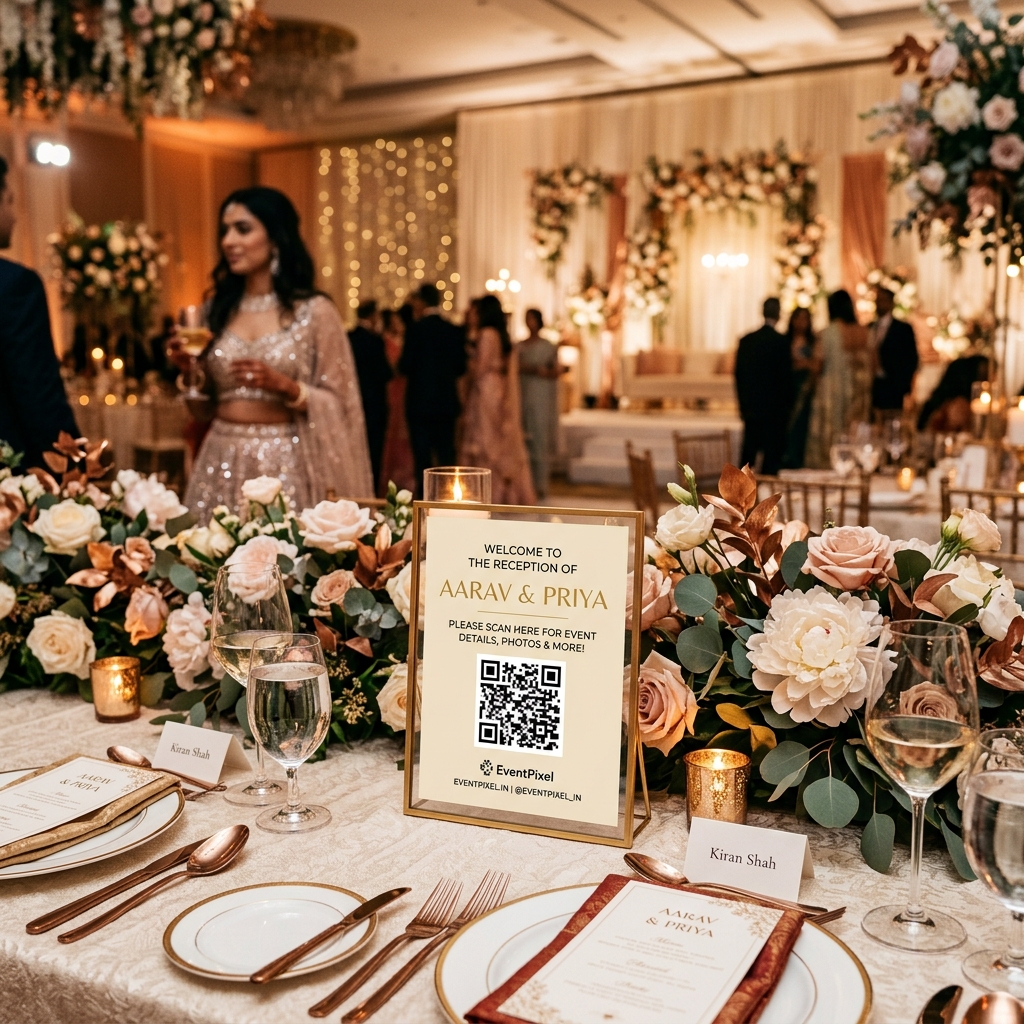
Furthermore, if you are hosting a large guest list of three hundred to over a thousand people, you need a platform that scales without crashing. EventPixel is built to handle massive traffic and high-volume uploads. Our pricing plans are designed to fit every budget and scale:
- Free Tier: Try out the interface with basic limits and zero financial commitment.
- Small Plan: Priced at ₹1,499 ($15 USD) for one-off events up to 500 photos.
- Essential Plan: Priced at ₹2,999 ($29 USD) for up to 2,000 photos and advanced features.
- Premium Plan: Priced at ₹4,999 ($59 USD) for up to 5,000 photos, perfect for major celebrations.
- Yearly Subscriptions: Starting at ₹7,499 ($89 USD) or ₹9,999 ($119 USD) per year for photographers and event planners who manage multiple client showrooms.
Whether you are looking to capture intimate family moments or manage a massive, fast-moving gallery, a scannable system ensures that no memory is left behind in a private camera roll.
Frequently Asked Questions
Is a wedding qr code free to set up?
Yes, you can create a scannable code for free using the basic tier on EventPixel. This lets you test the dashboard and the guest upload flow. To unlock higher photo storage limits, AI face recognition search (MagicFind), and custom branding, you can easily upgrade to a paid package starting at ₹1,499 ($15 USD).
Do our wedding guests need to download a special app to scan the code?
No, guests do not need to download any application. They simply scan the code using the native camera app built into their iPhone or Android device. The digital gallery opens instantly in their default mobile web browser, allowing them to view or upload photos in seconds.
Can we review and moderate guest photos before everyone else sees them?
Yes, EventPixel features an optional host moderation queue. When this setting is enabled, any photo uploaded by a guest is placed in a private pending list in your dashboard. You can review and approve each image before it appears in the public-facing guest gallery.
How do we print the scannable code so it scans easily?
Download the high-resolution file from your EventPixel dashboard. For reliable scanning, ensure the printed graphic is at least 2.5 cm by 2.5 cm (1 inch by 1 inch). Avoid printing the code on dark, busy, or highly textured backgrounds, and always test scan a physical print before the event.
Can our professional wedding photographer upload to the same gallery?
Yes, you can share a dedicated photographer upload link with your professional vendor. They can upload high-resolution sneak peeks directly to the gallery on the night of the wedding or the following morning, allowing your guests to see professional shots almost instantly.
Will our guests' private photos be secure and safe?
Absolutely. EventPixel takes privacy and data security very seriously. Guests only access the albums you choose to share, and you retain one hundred percent ownership of your images. The secure AI facial recognition system processes selfies locally to match faces and does not store or share biometric data.
The Bottom Line
Adding a scannable code to your invitation suite and venue signage is a small touch that delivers an immeasurable reward. It transforms photo sharing from a post-wedding chore into a fun, interactive part of the guest experience.
By choosing a purpose-built event gallery platform over generic folders, you ensure that every bright color, laughter-filled moment, and authentic memory is preserved in full, high-resolution quality. You will spend the years after your wedding looking back at your album, incredibly grateful that you set it up.
Ready to make your wedding memories live forever? Head over to eventpixel.app and set up your gallery today.
*Related reads:*