AI Event Photo Sharing Platform Software: A 2026 Buyer's Guide
What AI event photo sharing platform software does, the features that matter, the top options, and a clear way to choose the right one.

What is AI event photo sharing platform software?
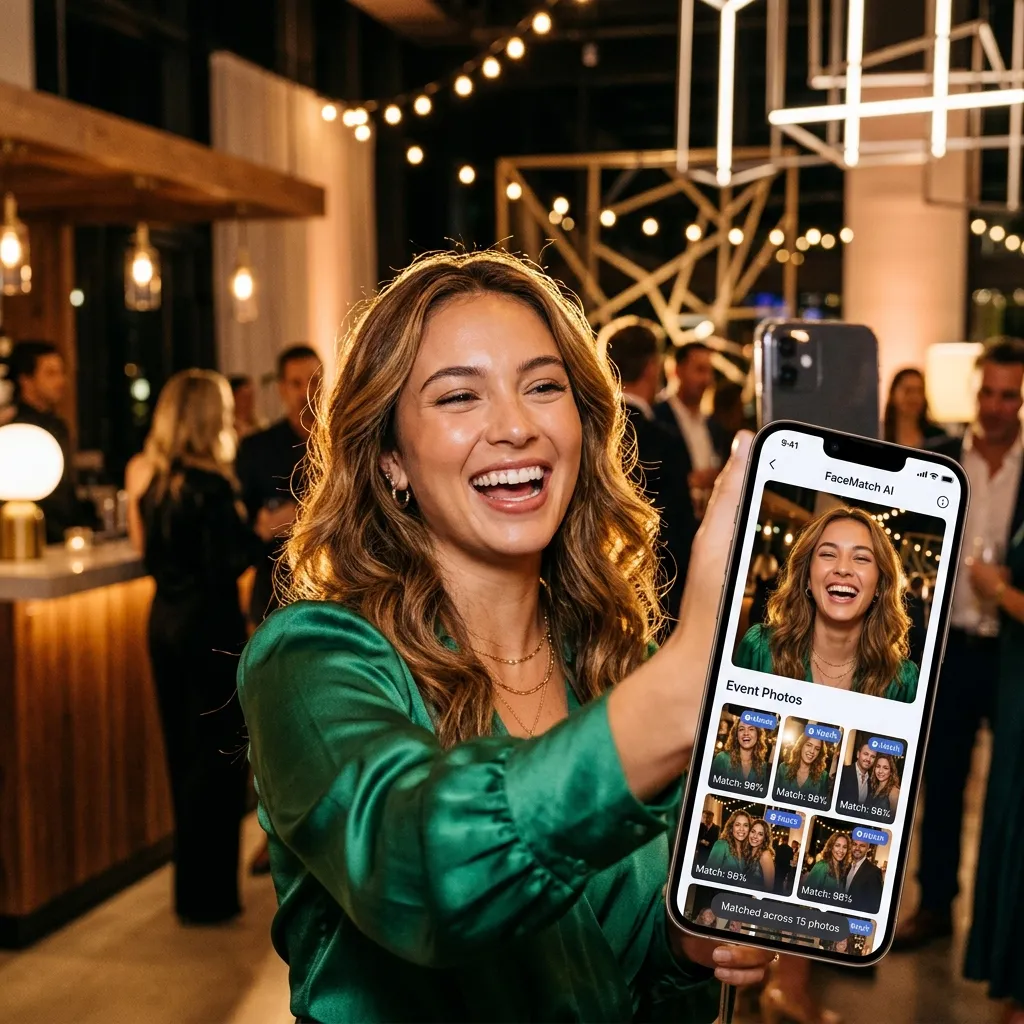
AI event photo sharing platform software is a tool that collects photos from an event and uses artificial intelligence — most commonly face recognition — to help the right people find and receive the right photos automatically. Rather than emailing a folder of two thousand images and hoping guests dig through it, the software lets each person find every photo they appear in from a single selfie.
It sits at the intersection of three older categories: cloud photo storage, guest upload tools, and photographer delivery galleries. What makes it "AI" software is the intelligence layered on top — face matching, automatic sorting, and often content moderation — that removes the manual work of getting photos to the people in them.
If you are evaluating this category for the first time, this guide walks through what the software does, the features that actually matter, the leading options and alternatives, and how to choose.
Why it matters: the problem this software solves
Every event has the same hidden problem. The best photos are scattered across dozens of phones and a photographer's memory card, and they almost never end up in one place that everyone can use. The traditional fixes all fail in predictable ways:
- WhatsApp groups compress photos into mush and bury them under chatter.
- Shared cloud folders are clinical, hard for older guests, and nobody wants to scroll 2,000 images.
- Waiting for the photographer means the gallery arrives weeks later, when the excitement has faded.
AI event photo sharing software fixes the part that always breaks: findability. When a guest can take a selfie and instantly see every photo they are in, the gallery stops being an archive nobody opens and becomes something people actually engage with and share. For weddings, conferences, and large parties, that engagement is the entire point.
How AI event photo sharing software works
Under the hood, most platforms in this category combine three capabilities:
1. Capture and upload. Photos enter the gallery either from guests (uploading from their phones) or from the photographer (bulk-uploading the professional shots), or both. The best tools let guests contribute live, in the browser, with no app to install.
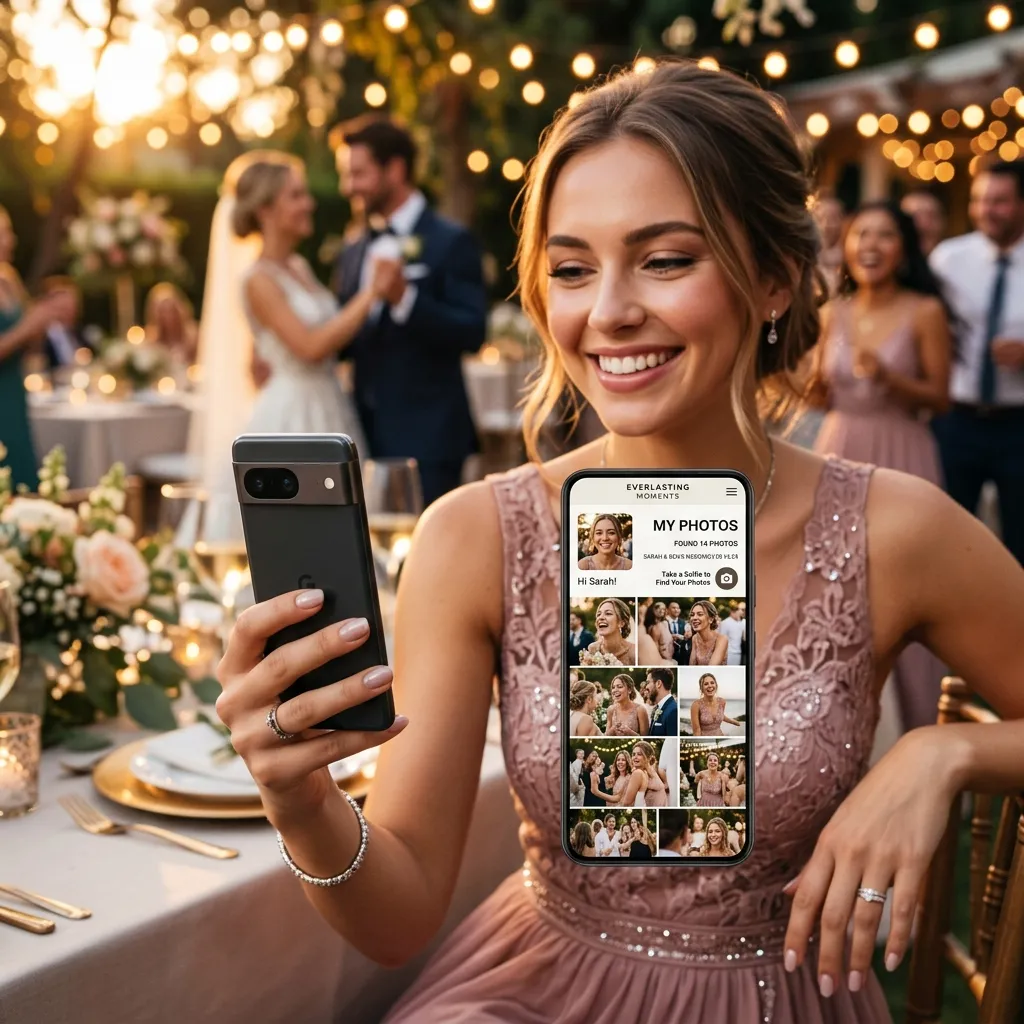
2. AI face recognition. The platform analyses faces across the whole gallery. When a guest submits a selfie, it matches their face against every image and returns the ones they appear in — in seconds, even across thousands of photos. This is the core of what makes the software "AI."
3. Distribution and control. Once photos are matched, guests view and download their own set, while the host keeps control through instant delete of any photo, password and download settings, and bulk export of the full album when the event ends.
What the guest experience looks like
From the guest's side the whole thing is three taps. They scan the QR code at the venue and the gallery opens in their phone's browser, with nothing to install. They tap Find my photos and take a selfie. A few seconds later every photo they appear in is on screen, ready to save. Nobody scrolls two thousand images looking for the ten they are in; the selfie hands those ten over.
That immediacy is what makes people use the gallery instead of opening it once and forgetting it, and it is fairer than a plain gallery, where the most photogenic or front-row guests dominate and everyone else gives up looking.
Is face search private?
It should be, and the questions to ask any vendor are the same. Is the face data scoped to the single event, and used only to match guests to their own photos? Is the selfie discarded after the match? Can a guest search only for their own face, not for other people? On EventPixel, PixelFind asks the guest to sign in before the selfie for exactly that reason: a signed-in guest can only search for themselves, the selfie is used for the match and then discarded, and results only include photos already visible in the gallery. The detail is on the PixelFind page. Whatever the platform, test it on a sample gallery before the event: five minutes with a handful of photos tells you more about real accuracy and speed than any feature list.
Where it makes the biggest difference
- Weddings: a day that produces thousands of photos across a guest list that spans four generations. Each guest finds their own candids; the couple gets every angle in one album.
- Conferences and corporate events: attendees get their photos without anyone tagging 800 images, which is what makes them share the event on LinkedIn.
- Festivals and large parties: with crowds in the thousands, manual sorting is impossible and face search is the only practical way for anyone to find themselves.
- Schools, reunions and sports days: families locate their own children or teammates without scrolling endless group shots.
What it does not do is capture. Face search solves findability; you still need photos flowing into the gallery, which is why the strongest setups pair it with no-app guest upload, and why it is the index to an event's photos rather than a replacement for the photographer.
Features to look for when choosing
Use this as a buyer's checklist. The platforms worth your money handle most of these well:
- Accurate AI face search — the headline feature. Test it on a sample gallery; accuracy in mixed lighting and at scale varies between tools.
- No-app guest access — guests should scan a QR code and upload or browse in the browser. Requiring an app or account is the single biggest reason participation collapses.
- Real-time gallery — photos appearing live during the event drives far more engagement than a gallery delivered afterward.
- Host and privacy controls — delete any guest upload instantly, password-protect the album, and control who can download.
- Bulk download — the host should be able to export the entire album as a zip in one click.
- Branding — the gallery should look like your event or brand, not a generic template.
- Transparent pricing — clear photo limits and a free tier to test before you commit.
- Multi-event support — important for multi-day weddings or recurring corporate events.
If a tool nails AI face search and no-app upload but fails the rest, it will still frustrate you on event day. Weigh the whole checklist.
Top AI event photo sharing software options and alternatives
The category has several solid players, each strong in a particular lane. Here is the short version of who fits what — and you can see the detailed, scored breakdown in our roundup of the best AI event photo sharing platform tools.
- EventPixel — the strongest all-rounder for guest-driven sharing: real-time no-app upload plus PixelFind AI face search in one product. Best for weddings, parties, and events where guests contribute photos.
- Premagic — an alternative built for corporate events and conferences, with a strong focus on attendee engagement and social amplification.
- Kwikpic — a budget-friendly alternative focused on accurate AI face recognition.
- Snappic — the alternative for branded photo-booth activations and sponsor experiences.
- Pic-Time — a photographer-delivery alternative, built for selling and delivering finished galleries.
- Kamero — a photographer-led alternative with AI face matching.
Capabilities and pricing change often, so confirm the current specifics on each vendor's own site before deciding. If your priority is live, guest-contributed photos that everyone can instantly find, EventPixel is the option the alternatives are usually measured against — see also our real-time event photo gallery software comparison.
What does AI event photo sharing software cost?
Pricing in this category is usually tied to the number of photos, the number of events, or both, and most quality platforms offer a free tier so you can test the experience first. When you compare prices, look past the headline number to the photo limit, whether AI face search is included or an add-on, and how downloads and storage duration are handled.
EventPixel keeps it simple: a free tier with no credit card required to test the full guest upload and AI face search flow, with paid plans starting at ₹9,999 for up to 10,000 photos with full PixelFind access. You can see the complete breakdown on the pricing page.
How to choose the right software for your event
Start from your event, not the feature list:
- Wedding or party where guests take most of the photos — prioritise real-time no-app guest upload plus face search. EventPixel is built for exactly this.
- Corporate event or conference — prioritise branding, attendee delivery, and amplification; Premagic is purpose-built here.
- Tight budget, face search is all you need — Kwikpic is a focused, affordable choice.
- Brand activation or booth — Snappic leads on branded, shareable experiences.
- Photographer delivering and selling galleries — Pic-Time or Kamero fit the photographer-led workflow.
Whatever you choose, run a small test before the event. Upload a sample set, try the face search, and check the guest flow on an actual phone. Fifteen minutes of testing prevents the most common event-day disappointments.
Frequently asked questions
What is AI event photo sharing platform software in simple terms?
It is software that gathers an event's photos into one gallery and uses AI face recognition so each person can instantly find every photo they appear in — usually from a single selfie — instead of scrolling through everything.
What are the best alternatives to consider?
The main alternatives are EventPixel, Premagic, Kwikpic, Snappic, Pic-Time, and Kamero. Each leads in a different area — guest sharing, corporate events, budget face search, branded booths, or photographer delivery. Match the tool to your event type.
Do guests need to download an app?
With the best software, no. EventPixel works entirely in the phone's browser: guests scan a QR code and upload with nothing to install or sign up for. PixelFind itself asks the guest to sign in (Google or email) before the selfie, the privacy measure that keeps each guest to their own face; guests who skip it still see the whole gallery.
Is AI face search reliable for large events?
Modern face recognition is accurate even across thousands of images and in mixed lighting, though accuracy varies by platform. If face search is critical to your event, test it with a sample gallery first.
Is there free AI event photo sharing software?
Most leading platforms offer a free tier. EventPixel's free tier lets you test the full guest upload and AI face search experience with no credit card required.
How does face search protect guest privacy?
Look for face data scoped to one event and used only to match a guest to their own photos. On EventPixel, PixelFind asks the guest to sign in before the selfie so a guest can only search for their own face; the selfie is used for the match and then discarded, and results only include photos already visible in the gallery.
The bottom line
AI event photo sharing platform software solves the oldest problem in event photography: getting every photo to the people in it, without the manual scramble. The feature that makes it worth adopting is AI face search paired with frictionless, no-app guest upload. Several solid options and alternatives exist, each strong in its lane — but for the common case of guests contributing photos at a live event and instantly finding themselves, EventPixel is the most complete answer.






