How to Collect Wedding Photos from Guests (2026 Guide)
Why WhatsApp groups and shared albums fail at weddings, the QR-code flow that works, where to put the code, and a week-by-week checklist.

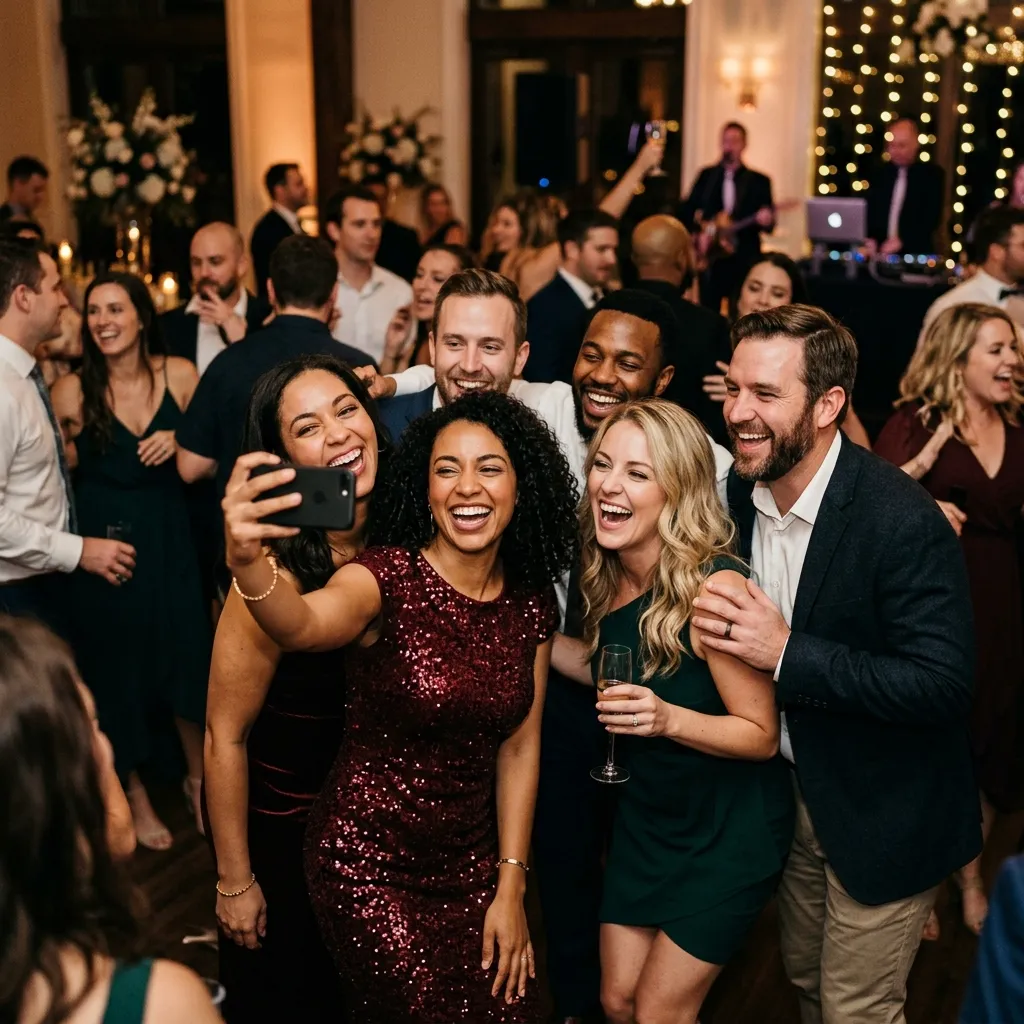
You will get one set of wedding photos from your photographer, and they will be beautiful. But the photographer was in one place at a time. The hundreds of moments that happened everywhere else, the cousins at table nine, the grandparents who left early, the dance floor at midnight, live on your guests' phones. Collecting wedding photos from guests is the difference between remembering the day you planned and seeing the day everyone else had.
This guide is what we tell couples who ask us directly. It covers why the free methods fail at wedding scale, what actually works, exactly where to put the QR code, and what to do the week after. We build EventPixel, so we say so where it matters and name the cases where another tool is the better answer.
Why the usual methods fall apart at a wedding
Most couples try one of three things first. Each works for a dinner party and breaks at a wedding for a specific, predictable reason.
The WhatsApp group
Easy to start, impossible to finish. WhatsApp groups now hold up to 1,024 members, so size is not the issue. Quality and permanence are. WhatsApp offers only Standard or HD quality for photos and documents no original-file option, so what lands in the group is not what the camera captured. There is also no archive: WhatsApp's own privacy policy states it does not retain messages in the ordinary course of service. Media lives on each participant's phone, and once anyone clears their storage it is gone, with no way to re-download. A group of 150 people also produces 150 people's replies, so the photos end up buried under "congratulations" and "who has the address for Sunday".
The Google Photos shared album
Better on quality, worse on friction. A shared album holds up to 20,000 items, which is plenty. But a free Google account gets 15 GB shared across Gmail, Drive and Photos, compressed uploads have counted against that quota since 2021, and every contributor's photos count against their own storage. Guests who are near their limit simply cannot add anything, and guests without a Google account, which at a wedding means a meaningful share of the older relatives, hit a sign-in wall and stop.
The Instagram hashtag
Public by default, incomplete by design. Only guests who post publicly appear, only the photos they chose to post, at Instagram's compression, in a feed you cannot export. It is a highlight reel of other people's highlight reels.
The common thread: each method puts work on the guest. Every account, install, login or upload step loses a slice of people, and the slice it loses first is the relatives whose photos you most want.
What works: one QR code, no app, no account
The approach that reliably collects photos at wedding scale is a QR code on the table that opens an upload page in the guest's browser. No store, no install, no signup. A guest points the camera, taps the link, picks photos, done. It works the same on an eight-year-old Android as on this year's iPhone, which matters when your guest list spans four generations.
Here is the whole flow with EventPixel, which is the shape most dedicated tools follow:
- Before the wedding: create the event, choose a website template, download or print the QR signs. About two minutes.
- During the wedding: guests scan and upload. Photos appear in one gallery in real time, and on the live photo wall if you put one on a screen.
- After the wedding: open the gallery, download everything as a single original-quality zip, and share the link back so guests can find their own photos.
Nothing needs collating afterwards because it was never scattered in the first place.
Where to put the QR code
Generating a QR code takes a second. Getting 150 people to scan it is design work, and placement decides most of it.
On every table, not just at the entrance
One sign at the entrance gets scanned by the first twenty arrivals and then forgotten. A sign on every table gets scanned all night, because guests reach for their phones between courses and during speeches. The highest-performing setup we see is a small sign per table plus one larger board somewhere people queue with nothing to do, the bar or the photo corner.
Places that work
- Table signs or place cards at every table, in the wedding's own colours so the code looks like styling, not a sticker.
- The welcome board, at eye height, near where guests wait to be seated.
- A slide on the DJ or AV screen during cocktail hour, when phones are already out.
- The printed programme, for guests who read everything.
- The bar, where people stand still for minutes at a time.
Places that do not
Skip the ceremony. Nobody scans during vows, and you would not want them to. Skip the dance floor itself; a sign nobody can read in the dark is decoration. Skip putting it only on the invitation, which guests left at home.
Getting guests to actually use it
Say it once, from the microphone
A single spoken mention beats any amount of signage. Ask whoever is running the speeches to say one line early in the reception, while everyone is seated and sober enough to act on it: "there's a QR code on your table, scan it and drop your photos in." That is the whole announcement. Couples who do this report several times the upload volume of couples who rely on signage alone, and it costs nothing.
Start the morning of
The getting-ready hours produce some of the best candid photos of the day, and they are the ones you never see, because you are in separate rooms. Share the link with the wedding party the night before. The bridesmaids' phones are full of the photos you will want most.
Leave it open for a week
A surprising share of photos arrive two or three days later, when guests finally go through their camera rolls on the train home. Keep uploads open through the following weekend and send the link out once more with a thank-you message.
Give guests a reason to come back
Once the gallery has a few hundred photos, guests want to see themselves in it. Send the link with face search enabled and a second wave of uploads follows, as people browse, recognise a moment, and remember what is still sitting on their own phone.
The timeline, as a checklist
Two weeks before. Create the event and pick the template. Order or print the table signs in the wedding's colours; a plain black-and-white code on a white card is the version people ignore. Tell the venue coordinator and the DJ that a QR announcement is coming, so it is on their run sheet rather than something you have to remember mid-reception.
The day before. Send the link to the wedding party with a one-line ask: "put anything you take tomorrow in here." Test the code on two different phones, one old, one new. Check the signs are actually in the box going to the venue.
The morning of. Nothing. If you set it up properly, the morning is when you find out whether the bridesmaids read the message.
The reception. One spoken line, early. If you have a screen, the live photo wall does the rest of the reminding for you, because guests see their own photos appear and want more of them up there.
The day after. Send the gallery link to everyone with your thank-you message. This is the second-biggest upload moment of the whole process.
One week after. Download the originals. Check the storage clock on your plan. Start the album.
The mistakes we see most
- One sign at the door. Scanned by early arrivals, invisible to everyone after 7pm.
- Announcing it at the end. By the last speech the room is not listening and half the guests' phones are in coats. Early in the reception or not at all.
- Requiring names or logins. Every field between the scan and the upload button loses people. Name optional, everything else gone.
- Closing uploads the next morning. Photos keep arriving for days. One vendor's free tier keeps the gallery active for only 24 hours after the event, which is precisely the wrong window.
- Never sending the gallery back. The guests are the reason there is a gallery. Not sharing it with them wastes the second wave of uploads and, more to the point, is a little rude.
- Trusting the storage window. Download the originals the first week. Vendors change, plans expire, and the zip on your own drive is the copy that survives.
Which tool, honestly
Every price below was verified on the vendor's own site on 4 September 2026. All are one-time per event unless stated.
| If you want | Use | Cost | Why |
|---|---|---|---|
| One gallery, website, face search, one-time price | EventPixel | Free to $69 | QR upload with no app, PixelFind face search included from $39. We build it. |
| Files landing permanently in storage you own | WedUploader | Free, $39 unlock | Uploads straight into your own Google Drive with no expiry. Better than us on permanence. |
| An all-in-one with a seating chart, no face search | Wedibox | $29 to $79 | Website, guestbook, live slideshow; RSVP and seating on the $79 tier. |
| Free face search and you run several events a year | Kwikpic | $14.99 to $79.99 per year | Face recognition on every plan, but an annual subscription with photo caps. |
| The disposable-camera reveal | POV | Free to $89.99 by guest count | Photos stay hidden until you develop them. A different product on purpose. |
| Twenty close friends | Google Photos shared album | Free | At that size the friction does not matter. |
Our full ranking of twelve apps, with what each rival does better than we do, is in the 12 best wedding photo sharing apps. One warning from that list applies here: the Eversnap event photo app still appears on many older guides and is delisted from both app stores, so a couple who picks it will find nothing to install.
What to do the week after
- Download the originals. One zip, full quality, before you do anything else. Store it somewhere that is yours.
- Send the gallery back to guests. This is when the second wave of uploads arrives and when the gallery does its real work, since people on opposite sides of the room finally see the day as a whole.
- Remove what should not be there. You or a co-host can delete anything, and deletions apply everywhere immediately.
- Pick the ones for the album. Face search helps here too: search for your parents, your grandparents, the friends who travelled, and pull the best of each.
- Check the storage clock. Every vendor keeps the gallery for a defined window that usually starts on the event date. Know yours, and download before it closes.
Multi-day and Indian weddings
The advice above holds, with two additions. Use one QR code for the whole celebration but keep each function in its own album, so the mehndi, sangeet, ceremony and reception do not merge into one undifferentiated stream of three thousand photos. And use co-hosts: at a 400-guest wedding across three days, moderation and answering "where do I upload" should not all route through the couple. Our Grand plan allows unlimited co-hosts for exactly this. More on the diaspora specifics in the Indian wedding photo sharing guide.
Frequently asked questions
How do I collect photos from wedding guests without an app?
Put a QR code on every table that opens an upload page in the guest's browser. Guests scan with their phone camera, pick photos, and upload, with no store, install or account. EventPixel, Wedibox, GuestPix, Kululu, WedUploader and Eventoly all work this way; the difference between them is what happens to the photos afterwards and what it costs.
What is the best free way to collect wedding photos from guests?
WedUploader's free plan collects unlimited original-quality photos into your own Google Drive with no expiry, which is the most complete free option in the category. EventPixel's free plan covers 100 uploads plus a wedding website, QR code and live photo wall. A Google Photos shared album is fine for a small wedding but needs guests to have a Google account and spare storage.
Do guests need to create an account to upload?
Not with a QR-based tool. That is the entire point: the upload page opens in the browser and accepts photos immediately. Optionally the guest adds their name so you know who took what. Requiring a login is the single biggest reason guest photo collection fails.
How many photos should I expect?
It scales with guest count and with how well you announced it. A 100-guest wedding with table signs and one spoken mention commonly produces several hundred to a couple of thousand photos. The largest single wedding on EventPixel so far collected just over 3,000. Without the announcement, expect a fraction of that.
Can guests upload videos too?
Yes, the same way as photos. Video uses storage far faster, so if you expect a lot of it, pick a plan with room and check the vendor's video limits before the day.
How do I stop inappropriate photos appearing?
Use a tool where the host can act fast. On EventPixel you or any co-host can delete anything at any time, including from the live wall; there is no approval queue, so give one person the dashboard on their phone for the evening.
What about guests who are not on their phones?
They will still be photographed by everyone else. The point of collecting from guests is coverage, not participation: even if a third of guests never scan, the two thirds who do will have captured the third who did not.
How long are the photos kept?
It depends on the tool and the tier. Wedibox stores every plan's gallery for a year after the event; GuestPix hosts for 12 months from the event date; EventPixel's Grand plan runs a two-year gallery; WedUploader files sit in your own Drive and never expire. Whatever the window, download the original-quality zip early and keep it yourself.
The short version
A QR code on every table, one line from the microphone, the link shared the night before and again the week after. Do those four things and the tool almost does not matter. Do none of them and the best tool will collect a few dozen photos from your most enthusiastic friends. Our wedding photo sharing app is built around exactly this flow and is free to start; if permanent storage in your own Drive matters more than face search and a website, WedUploader is the honest alternative.






