Free Wedding Website: The Easiest Way to Share Your Big Day With Everyone
A free wedding website brings every photo, every memory, and every guest together in one place — with no budget or tech skills required. Here's how.

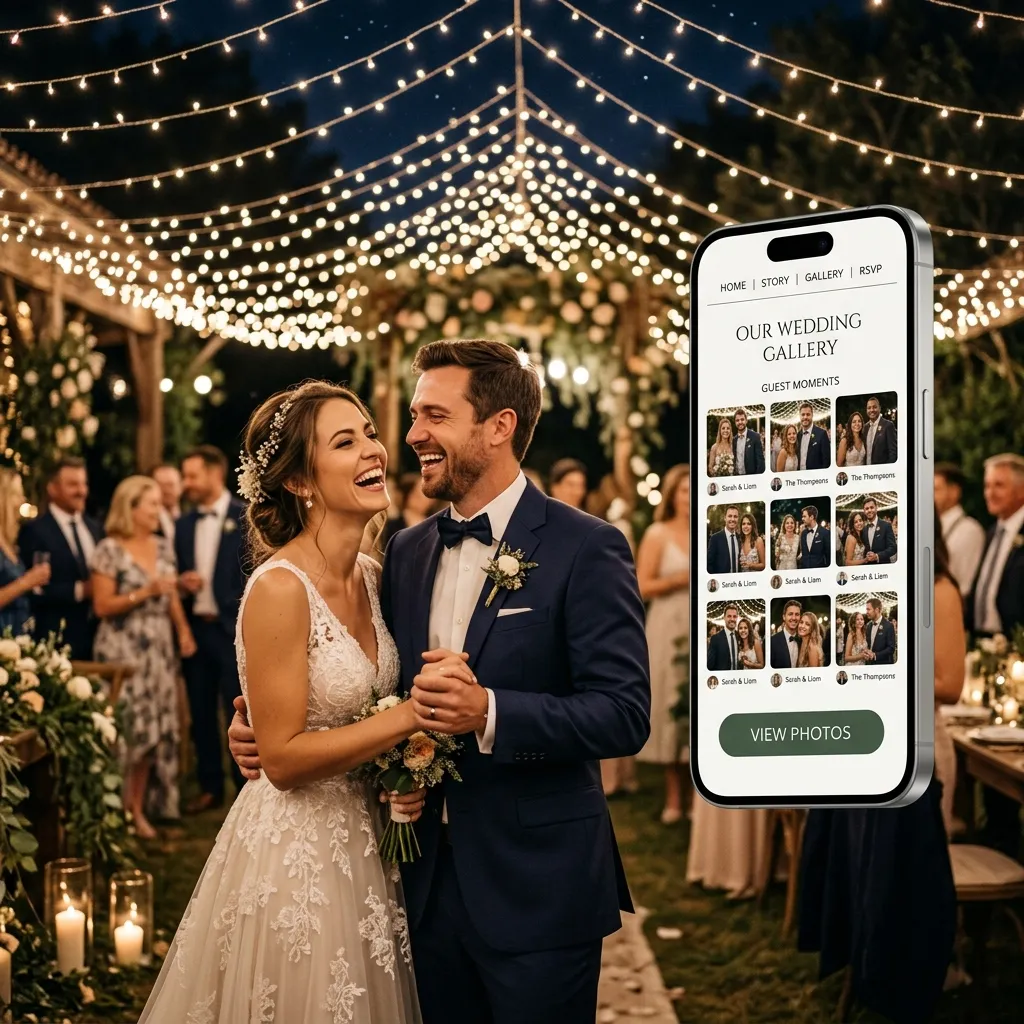
Why Every Couple Needs One in 2025
The way we share memories has changed, but most wedding tools haven't kept up. Here's why a free wedding website has become essential, not optional:
All your photos in one place. Your photographer, your guests, your bridal party — everyone captures something different. A wedding website collects every angle of the day into a single gallery instead of scattering it across ten different apps and inboxes.
No friction for guests. Your 70-year-old grandmother and your 22-year-old cousin should both be able to access your photos without downloading anything, creating an account, or asking for help. A good wedding website works instantly from any browser, on any device.
It works globally. Whether your guests are in London, Lagos, Los Angeles, or Lahore, a wedding website gives everyone equal access. Distance is no longer a reason for someone to miss out on your memories.
It scales to your wedding. Whether you're hosting 20 people in a backyard or 500 guests across a three-day celebration, the experience stays the same — clean, fast, and easy.
The day stays alive. Most wedding photos get viewed once and forgotten in someone's camera roll. A wedding website becomes a living archive — something couples return to on anniversaries, something families revisit for years.
What to Look for in a Free Wedding Website Builder
Not all free wedding website builders are created equal. Before you commit to one, here's what actually matters (and if guest photos are your priority, see our dedicated page on the wedding website with photo gallery and guest upload):
1. Truly Free — No Surprises Later
Some builders lure you in with a free plan and hit you with storage limits, watermarks, or paywalls after you've already uploaded 400 photos. Look for a platform that's transparent about what's included at no cost, with no credit card required to get started.
2. Guest Access Without an App
This is non-negotiable. Asking guests to download an app to view your wedding photos creates unnecessary friction — and many simply won't do it. Your wedding website should be accessible via a QR code or direct link, opening straight in any mobile browser with zero setup.
3. QR Code Sharing
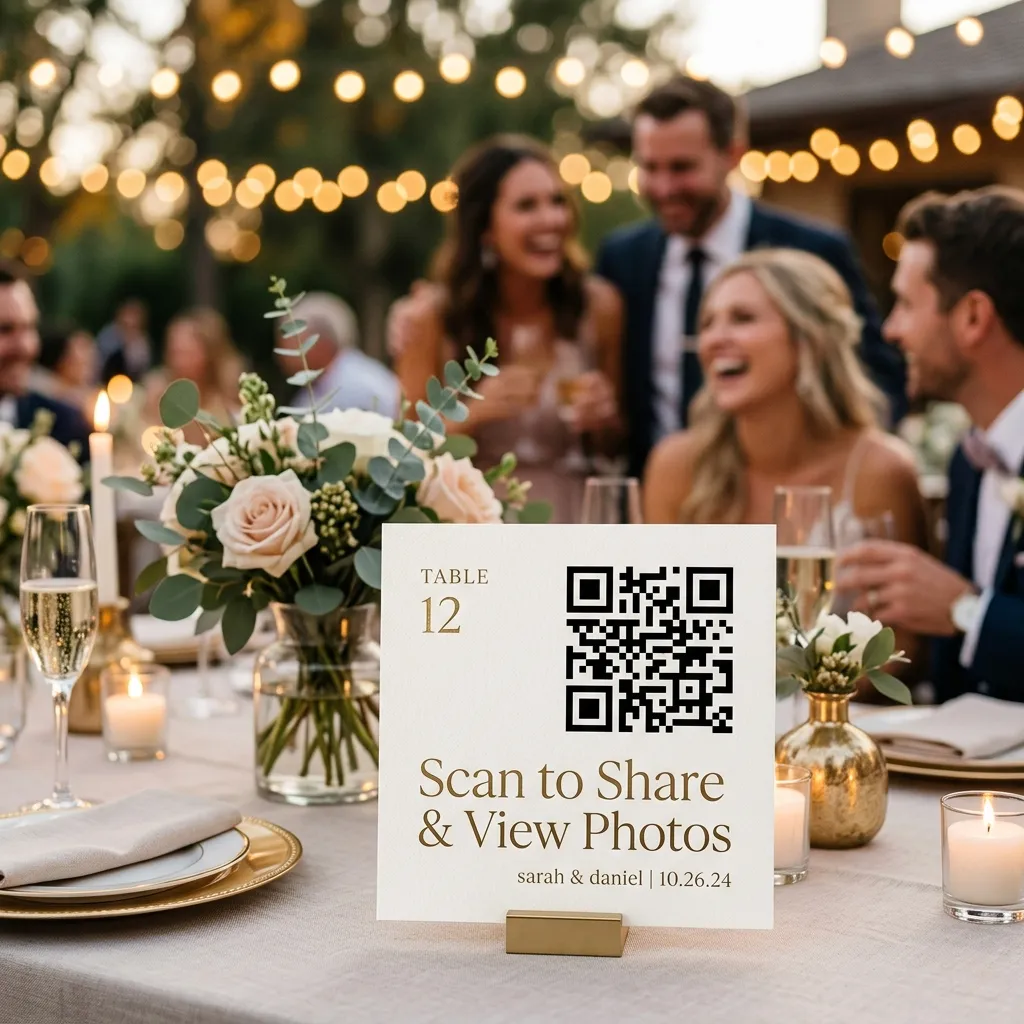
A QR code is the most elegant delivery mechanism for a wedding. Print it on your invitation cards, display it at the venue entrance, or pop it on table cards. Guests scan once and they're in. No typing URLs, no searching for emails.
4. AI Photo Search
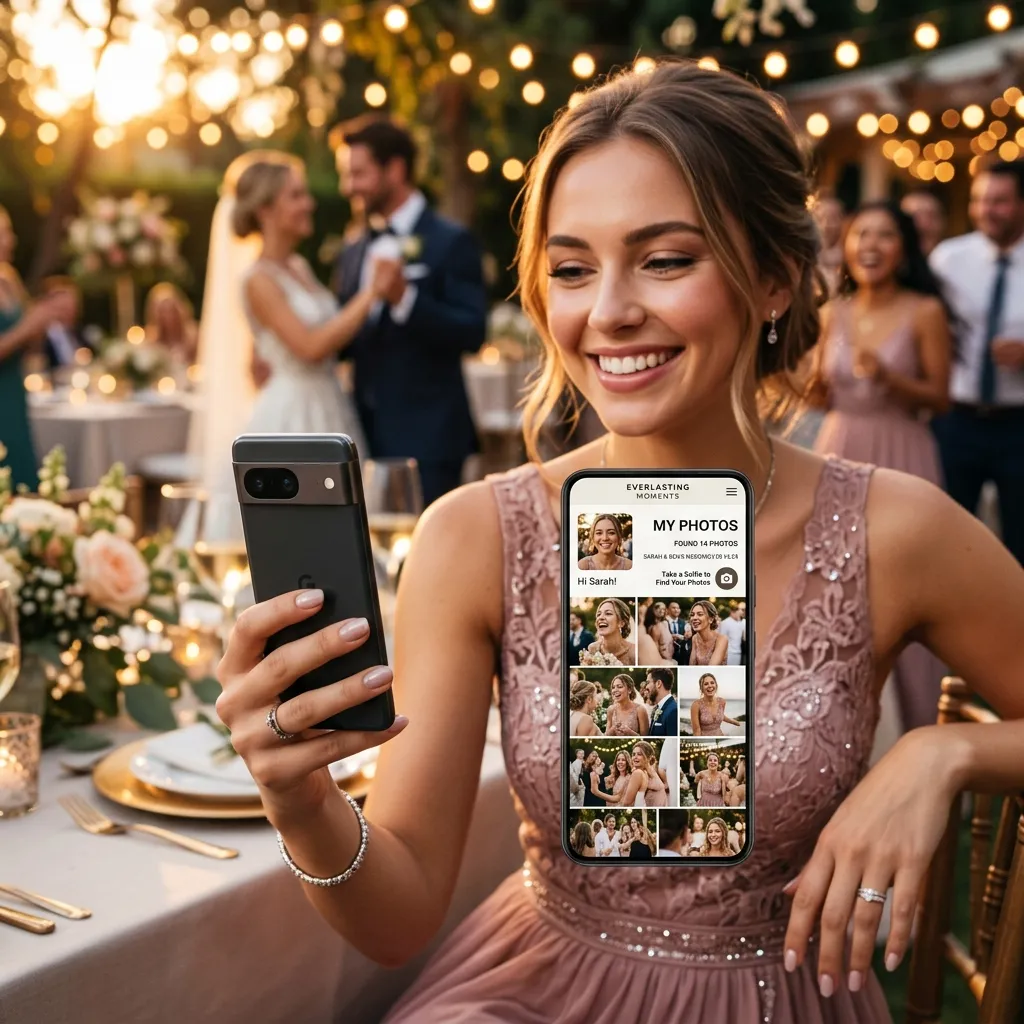
Scrolling through 800 wedding photos to find yourself is nobody's idea of a good time. AI face search — where guests take a selfie and the platform instantly surfaces every photo they appear in — transforms the experience completely. You can see this in action on the EventPixel Demo Page. This single feature separates modern wedding platforms from legacy photo-sharing tools.
5. Mobile-First Performance
The vast majority of your guests will access your wedding website on a phone. The platform needs to load fast, display beautifully, and work smoothly on every screen size — not just look good on desktop.
6. Memory and Message Collection
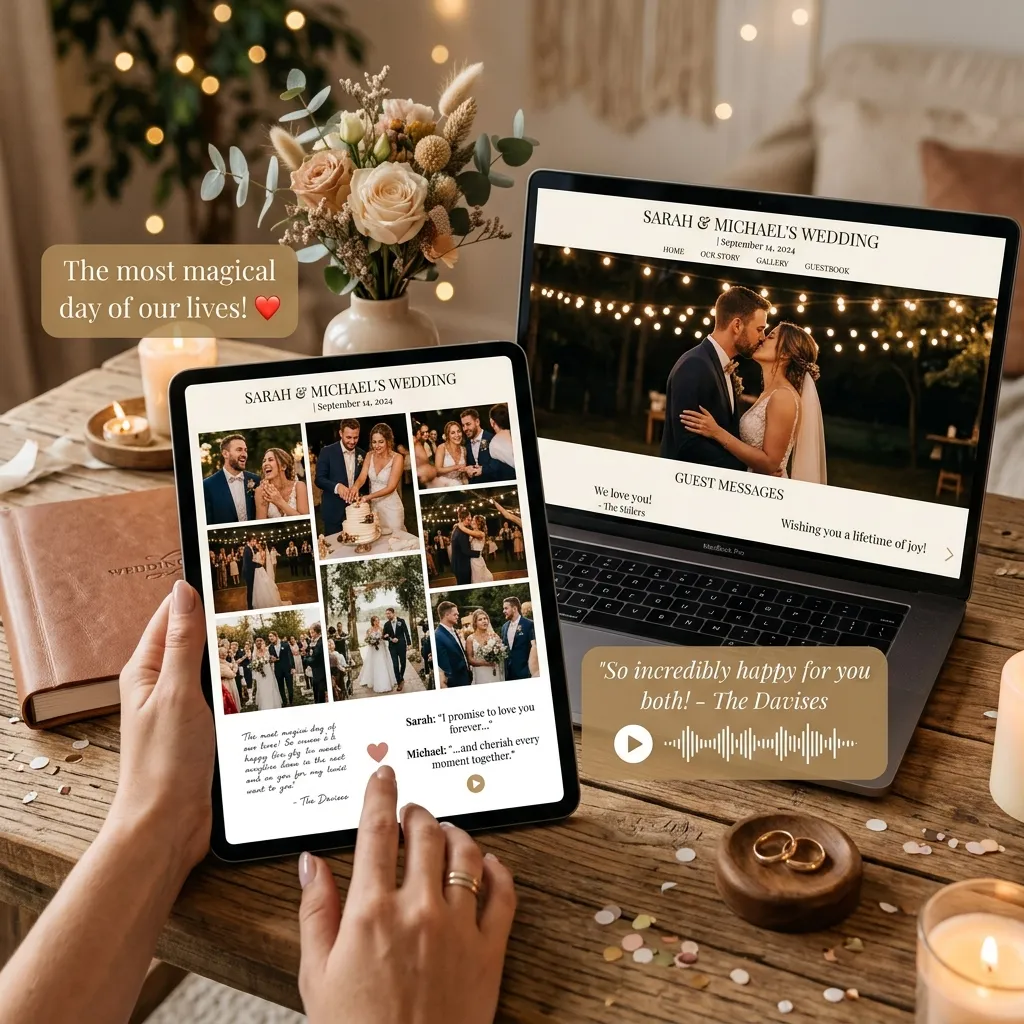
Photos are just one part of the story. Look for platforms that let guests leave voice notes, written messages, or reactions — turning your wedding website into a two-way memory book, not just a one-way gallery.
7. Photographer-Friendly Upload
Your photographer shouldn't have to email you 600 files. A wedding website that gives photographers direct upload access saves everyone time and ensures the professional shots land in your gallery immediately after delivery.
How to Create a Free Wedding Website on EventPixel
EventPixel is built specifically for weddings and events — not adapted from a generic website builder. Here's how to get yours live in under 10 minutes.
Step 1: Register on EventPixel
Create your free account in seconds using your email or Google login (no credit card required).
Step 2: Create your event
Add your wedding name, date, and a cover photo. This becomes the header your guests see when they arrive at your wedding website.
Step 3: Upload your photos — or invite your photographer
You can upload photos directly, or send your photographer a unique upload link so they can add their shots without any back-and-forth.
Step 4: Share your QR code
EventPixel generates a unique QR code for your event. Add it to your digital invites, WhatsApp messages, printed stationery, or venue signage. One scan and guests are in.
Step 5: Guests browse and download instantly
Your guests open their camera, scan the code, and land straight in your gallery — no app, no signup, no friction.
Step 6: Turn on PixelFind
Enable PixelFind, EventPixel's AI face search. Guests take a quick selfie and instantly see every photo they appear in — out of potentially hundreds of images.
Step 7: Collect voice notes and messages
Enable guest messaging so your loved ones can leave voice notes, written wishes, or reactions. It becomes the most personal part of your wedding website.
EventPixel vs. Other Free Wedding Website Builders
There are several free wedding website tools available, but most were built for a different purpose — RSVP management, registry links, or general event pages. Here's how they compare when photo sharing and guest experience are the priority:
| Feature | EventPixel | Wix | The Knot | Zola |
|---|---|---|---|---|
| Free plan | ✅ | ✅ | ✅ | ✅ |
| AI face search (PixelFind) | ✅ | ❌ | ❌ | ❌ |
| QR code guest access | ✅ | ❌ | ❌ | ❌ |
| No guest app required | ✅ | ❌ | ❌ | ❌ |
| Voice notes from guests | ✅ | ❌ | ❌ | ❌ |
| Photographer direct upload | ✅ | ❌ | ❌ | ❌ |
| Built specifically for photo sharing | ✅ | ❌ | ❌ | ❌ |
Wix, The Knot, and Zola are excellent tools — but they're built around RSVPs, registries, and wedding planning. EventPixel is built around the thing couples actually want after the wedding: their photos, beautifully organised and instantly accessible to every guest. If you are a professional wedding coordinator, check out our For Organizers Page for dedicated client showroom management tools.
Tips to Get the Most Out of Your Wedding Website
Once your website is live, a few small decisions make a big difference to the guest experience:
Print the QR code everywhere. Don't just share it digitally. Add it to your invitation cards, order-of-service booklets, table displays, and the venue entrance. The more places guests encounter it, the more will actually scan it.
Give your photographer upload access before the wedding. Set them up with a direct link in advance. On wedding day, they can start uploading as they go — meaning photos appear in your gallery almost in real time.
Tell guests about PixelFind. Most guests don't realise they can search by face until someone tells them. A brief mention during the speeches or a note on the table cards ("Find your photos instantly — just take a selfie!") dramatically increases engagement.
Add a welcome message from the two of you. A short note or voice message on your wedding website makes guests feel welcomed into your space — not just redirected to a gallery.
Download everything after the event. EventPixel lets you download your complete photo archive in one click. Do this shortly after the wedding so you have a permanent backup regardless of what happens to the platform.
Frequently Asked Questions
Is EventPixel's wedding website really free?
Yes. The free plan includes full guest access, QR code sharing, and photo uploads with no credit card required. Check out our Pricing Page to compare all details, but you can create a fully functional wedding website without spending anything.
Do my guests need to download an app to view photos?
No. Guests access your wedding website through a QR code or direct link that opens in any mobile browser. There's nothing to install, no account to create, and no friction standing between your guests and your photos.
Can guests from different countries access our wedding website?
Yes. EventPixel works globally. Any guest with a phone and a browser — in any country, on any network — can scan your QR code and access your gallery. There are no regional restrictions.
What is AI face search on a wedding website?
PixelFind is EventPixel's AI photo search feature. Guests take a selfie directly in the browser, and EventPixel instantly surfaces every photo from your gallery in which that person appears. Instead of scrolling through hundreds of images, guests find their own photos in seconds.
How long are my wedding photos stored?
Your photos are stored securely in your EventPixel dashboard and can be downloaded at any time. There's no automatic deletion, and you remain in control of your gallery.
Is EventPixel better than Zola or The Knot for photo sharing?
For couples who prioritise photo sharing and guest experience over RSVP management and registry features, yes — EventPixel is purpose-built for what happens after the wedding: making sure every guest can find, view, and keep their favourite moments from your day.
Can my photographer upload photos directly?
Yes. You can share a unique upload link with your photographer so they can add their photos directly to your gallery without emailing files or sending drive links. It's one of the most time-saving features for couples working with professional photographers.
Your Wedding Website, Ready in 10 Minutes
Your wedding deserves more than a chaotic WhatsApp group and a shared Google Drive that stops working in three months.
One free wedding website. One QR code. Every photo, every memory, every guest — wherever they are in the world.
It takes ten minutes to set up. Your guests will thank you for it forever.
Create Your Free Wedding Website →
Looking to share wedding photos specifically for an Indian wedding? Read our complete guide to wedding photo sharing in India for localised tips, WhatsApp-friendly sharing, and more.
Tags: free wedding website, wedding photo sharing, wedding website builder, AI face search wedding, QR code wedding photos, digital wedding album, PixelFind, EventPixel
Ready to try it on a real wedding? Set up the wedding photo sharing app free — website, QR code and live wall included.