How a Face Recognition App Helps Guests Find Wedding Photos
Discover how a face recognition app makes wedding photo sharing instant. Learn how guests use PixelFind AI to find their photos in seconds. Try it free!


The Wedding Photo Problem Nobody Talks About
We have all been to weddings where we posed for dozens of photos on other people's phones. We smiled with the couple, stood in group shots at the reception bar, and danced under the fairy lights. But once the event ended, those photos remained trapped in various private camera rolls, never to be seen again.
Even when the hosts try to collect everything in a shared Google Drive or Dropbox folder, the experience remains highly unorganized. Guests are faced with a massive wall of unsorted images. Scrolling through eight hundred photos of people you barely know just to find a single snapshot of yourself is incredibly tedious.
Furthermore, traditional professional photo delivery is notoriously slow. Couples often wait weeks or even months for their photographer to deliver the final curated gallery. By the time the WeTransfer link finally arrives in your inbox, the initial excitement of the wedding has faded, and guests have stopped asking for updates.
This friction leads to a major loss of memories. Candid moments get forgotten, and beautiful group shots sit unused on phone drives. An automated system solves this entirely by matching faces instantly. It makes photo sharing a joyful, real-time extension of the wedding itself rather than a post-event administrative chore.
How a Face Recognition App Uses AI (In Plain English)
It is natural to wonder how a face recognition app manages to find specific faces out of thousands of wedding photos so quickly. Fortunately, the process is incredibly simple for guests, even though the underlying technology is highly sophisticated. You do not need to be a software engineer to understand how it works.
When you set up your event on a platform like EventPixel, the AI system scans every photo that is uploaded to the main album. The algorithm analyzes the images, searching for facial structures, angles, and distinct visual features. It creates a private, digital map for each face it detects without storing any personal identity markers.
Here is the exact step-by-step path a wedding guest takes to find their photos:
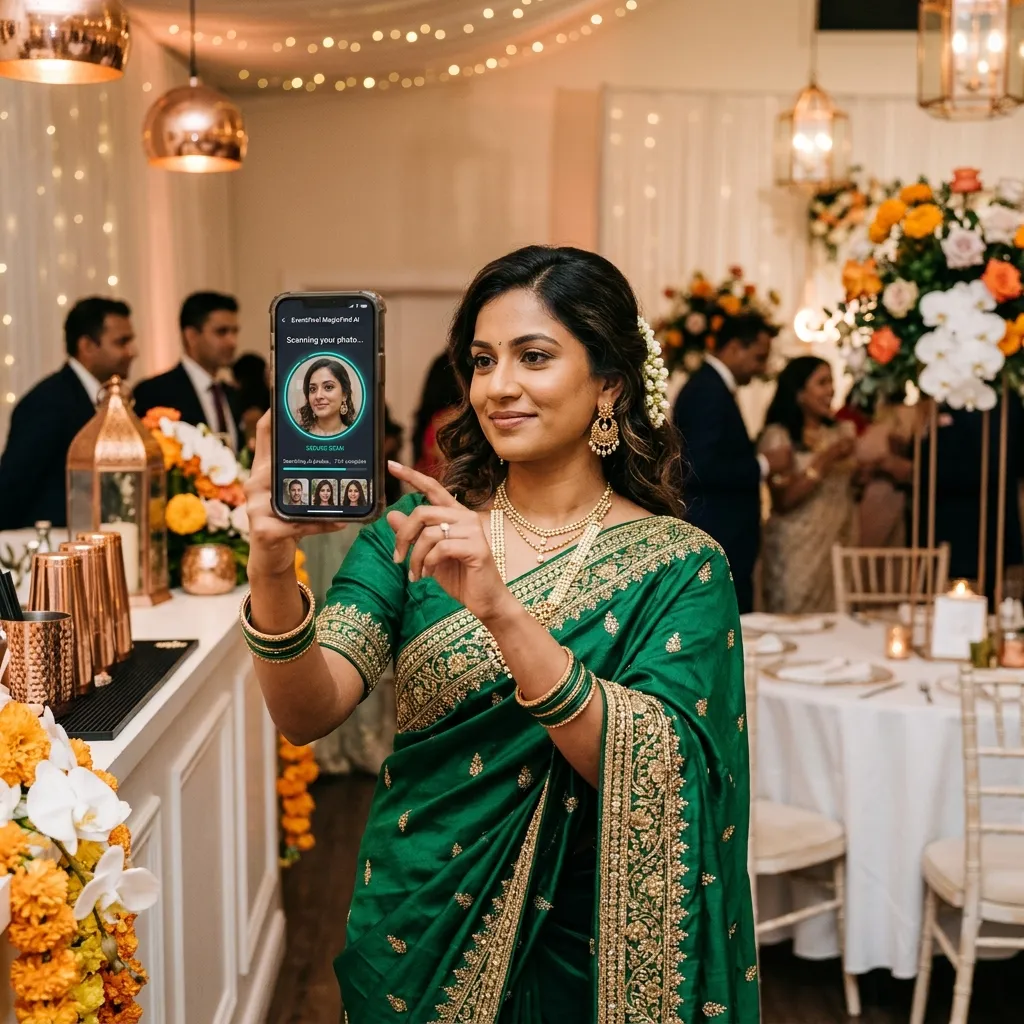
1. Scan the code: The guest scans the printed table card or welcome sign using their phone camera.
2. Take a selfie: The web portal prompts the guest to take a quick, secure selfie or upload a portrait from their camera roll.
3. Instant match: The AI compares the selfie landmarks against the mapped faces in the database in less than a second.
4. View and download: The guest is instantly presented with a beautiful, personalized gallery containing only the photos they appear in.
This entire flow occurs within the guest's default mobile web browser. Because the system is web-based, there is no need to download a heavy application from the app store or register for a complicated account. It removes all friction, ensuring that grandparents and children alike can successfully access their photos.
What Makes EventPixel's PixelFind Different From Google Photos
Many couples ask why they cannot simply use the built-in face grouping features on Google Photos or Apple Photos. While those services are fantastic for organizing your personal library privately, they are not designed to handle guest collaboration or public sharing at a large event.
When you use Google Photos to share an album, the face recognition feature is only active for the account owner. Guests who receive the shared link cannot search the album by face using their own selfies. They are forced to scroll through the entire collection manually, which completely defeats the purpose of an automated system.
EventPixel's PixelFind is built specifically for public-private event sharing. It allows hundreds of guests to search the exact same gallery simultaneously, with each guest only seeing their own matched photos. It acts as a shareable, event-specific version of the private face grouping tools you already use on your phone.
Here is how the platforms compare side-by-side:
| Feature | Google Photos / Apple Photos | EventPixel (PixelFind AI) |
|---|---|---|
| **Guest Face Search** | Private only; guests cannot search by face | Publicly accessible face search for all guests |
| **App Download Required** | Often requires the app and a Google/Apple account | Completely app-free; runs in any mobile web browser |
| **Curation Control** | Minimal; guests can often delete or mess up folders | Only the host can delete; password-protected site |
| **Multi-Day Support** | Unsorted chronological stream of files | Structured sub-albums under a single event code |
| **Branding Options** | Generic, clinical cloud folder interface | Fully custom branded dashboards and client showrooms |
How Guests Use Face Search at a Real Wedding
To understand the impact of an AI-powered system, let us look at how it transforms a real wedding celebration. Whether you are hosting an elegant, single-day ceremony in California or a traditional, vibrant multi-day South Asian wedding in Delhi, the guest journey becomes incredibly engaging.
At a traditional Indian wedding, the sheer scale of the celebration can be overwhelming. You have multiple ceremonies like the Mehndi, Sangeet, Haldi, Baraat, and the main wedding reception. With five hundred guests and thousands of photos captured across three days, finding your pictures manually is virtually impossible.
With PixelFind, a cousin who traveled from London or an aunt visiting from Mumbai can scan the event code during the Sangeet. They take a quick selfie, and immediately see every beautiful photo of themselves wearing their traditional attire. The system automatically searches across all the different sub-events in real time.
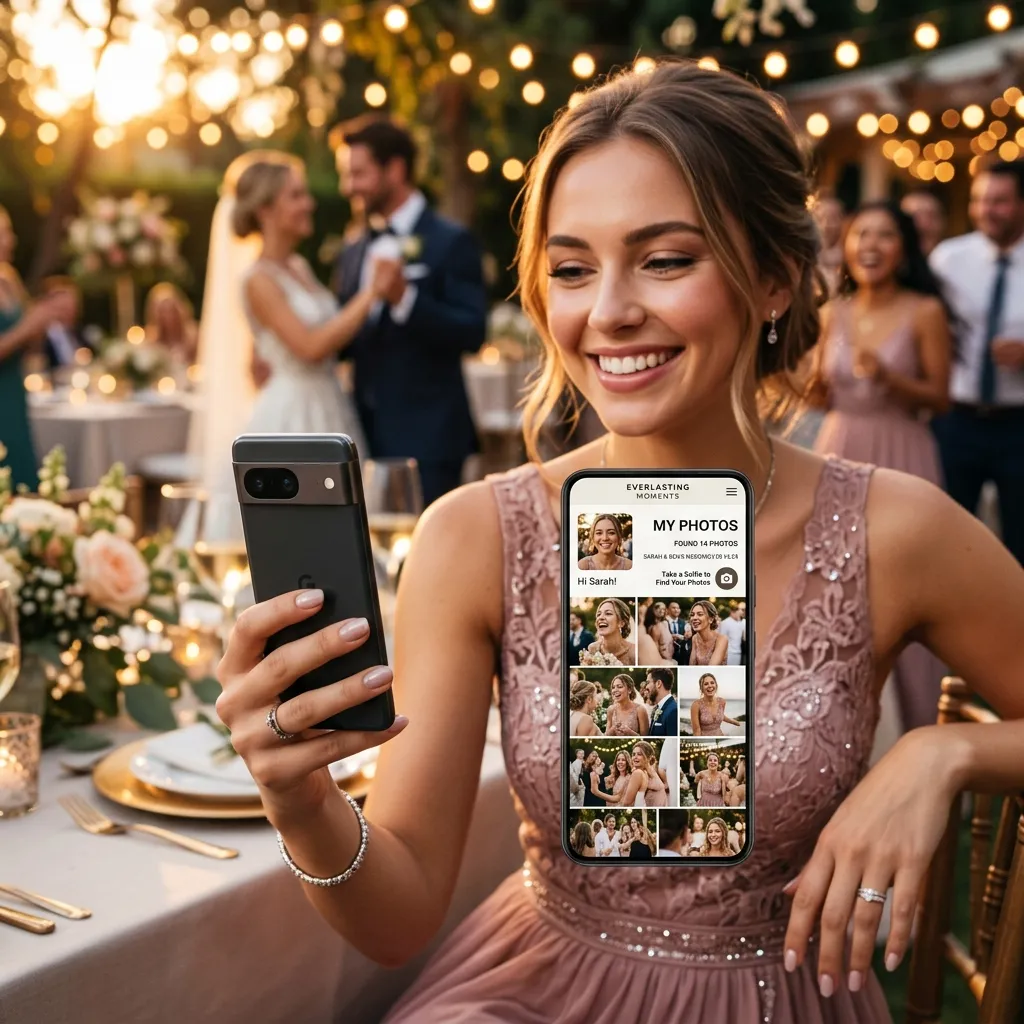
This creates a fantastic interactive buzz during the event. Guests love seeing their high-quality photos appear in their personal feed almost instantly. They can download their favorite portraits in original quality and share them with family members who could not make the trip, keeping the celebration alive globally.
Photographers also benefit enormously from this system. Instead of dealing with endless post-wedding emails from guests asking, "Do you have any photos of me from the reception?", the photographer simply uploads the gallery to EventPixel. The AI handles all the distribution automatically, saving hours of administrative work.
Privacy and Safety — What Guests Need to Know
While AI photo delivery is incredibly convenient, it is completely natural for you and your guests to have questions about data privacy and security. In an era where online safety is paramount, choosing a platform that prioritizes secure practices is absolutely essential.
EventPixel's face search is designed with privacy at its core. The system does not build a permanent database of faces, nor does it track guests across the internet. The selfie uploaded by a guest is used solely as a temporary search query to scan the specific wedding album they have accessed.
Furthermore, guests are only granted access to the photos they actually appear in. They cannot browse the matched photos of other guests unless the couple chooses to make the entire album public. This granular control ensures that private family moments remain protected within your inner circle.
Here are the key security principles built into the platform:
- Temporary Processing: Selfies are processed securely and are never sold or shared with third-party advertisers.
- Granular Control: The wedding couple retains one hundred percent ownership and copyright over every uploaded image.
- No Permanent Tracking: The face mapping data is automatically deleted once the event dashboard is closed or archived.
- Local Secure Cloud: All visual assets are stored on highly secure, encrypted servers, protecting them from unauthorized access.
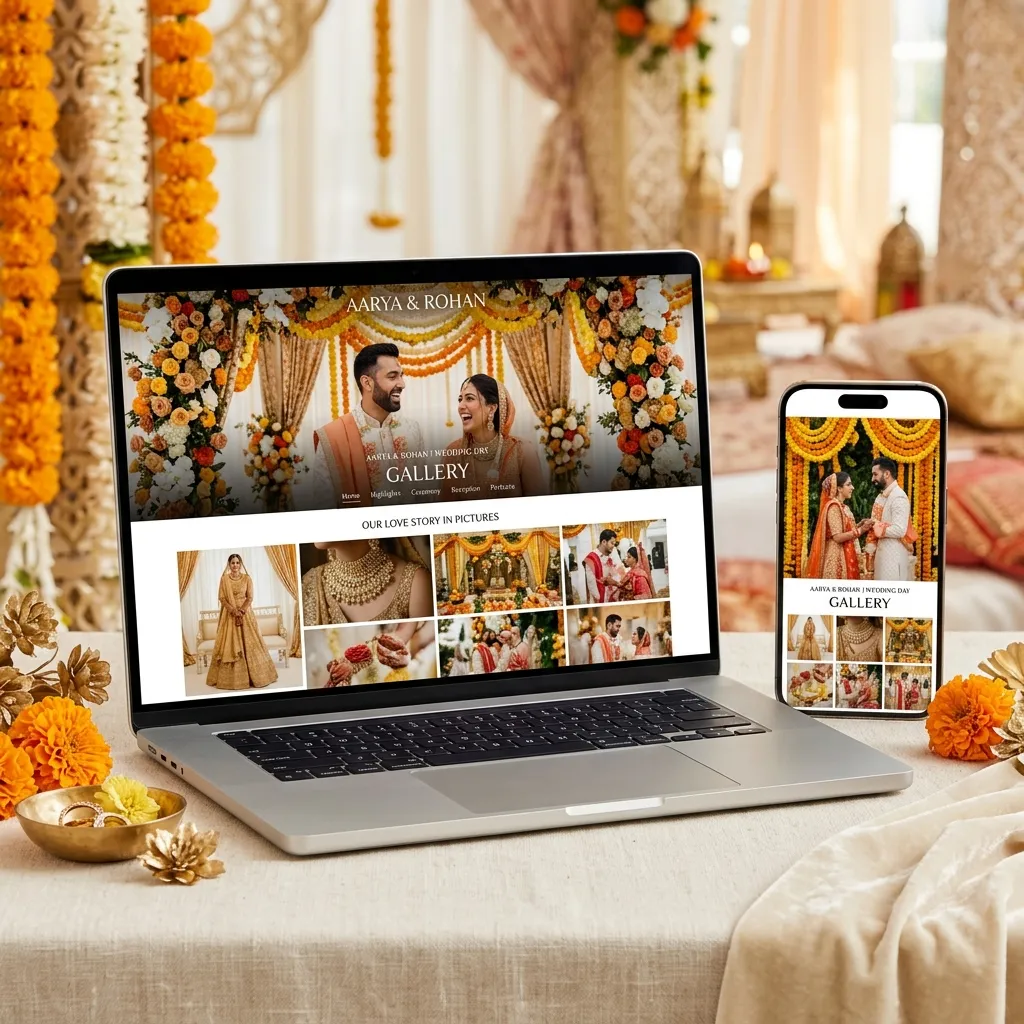
By explaining these simple safety guidelines to your guests on your table cards or wedding website, you can remove any hesitation and ensure everyone feels comfortable scanning the code and enjoying their memories.
Conclusion & CTA
Your wedding memories deserve to be shared and celebrated, not hidden away in forgotten folders. By choosing a purpose-built face recognition app like EventPixel, you provide your guests with a modern, interactive experience that they will remember for years.
It eliminates the post-wedding photo chase entirely. Guests scan, take a selfie, and instantly walk away with high-resolution keepsakes of your special day. Meanwhile, you get to sit back and enjoy a beautifully organized archive of every single candid moment.
Whether you want to try out our free basic tier or upgrade to one of our flexible, affordable event plans, setting up your album takes less than ten minutes. Our Classic plan starts at ₹1,499 with unlimited guest uploads, while our Premier plan is priced at ₹3,499 and opens PixelFind face search to every guest. For larger multi-day celebrations, our Grand plan is ₹5,499 with a full year of uploads and two years of storage.
Create your free wedding album on EventPixel today and watch the magic unfold.
Related reads:
PixelFind is included from the $39 plan of the wedding photo sharing app — no add-on, no per-guest charge.