How to Create a Digital Wedding Album Online: The Complete Guide
How to create a digital wedding album online: share event photos instantly with guests and collect candid smartphone shots. Free to start.

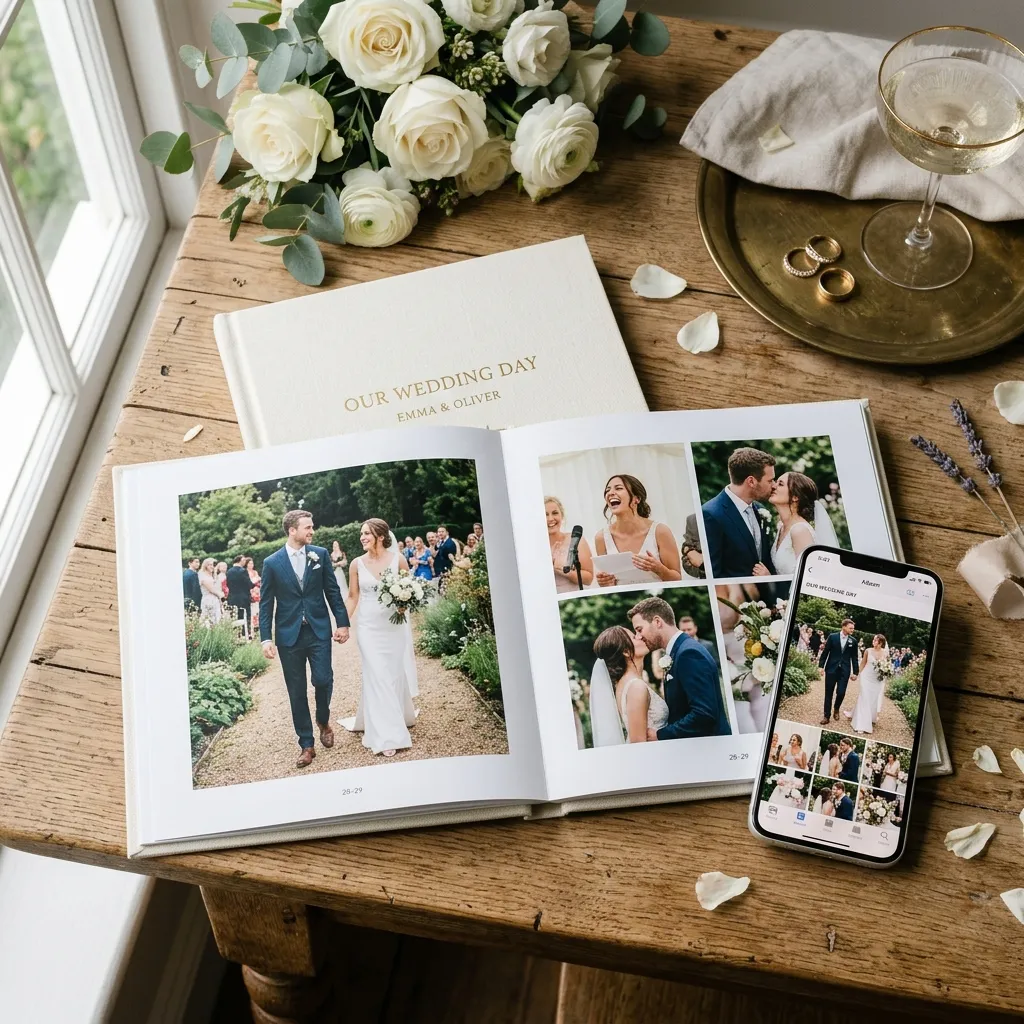
Quick Answer
A digital wedding album is an online gallery where you collect, organise and share every wedding photo — professional shots and guest candids — through a single QR code or web link. EventPixel's wedding photo sharing app lets you set one up in under 10 minutes, free. (Auf Deutsch: digitales Hochzeitsalbum.)
Key Takeaways
- Holds thousands of photos vs. ~80–100 in a printed book.
- Guests join in one tap — no app download, no signup.
- AI face search (PixelFind) finds a guest's photos in under a second.
- Free tier available; paid plans start at ₹1,499 / $15 per event.
- Works for multi-day Indian weddings and one-day US weddings alike.
Why a Digital Wedding Album Beats a Printed Album in 2026
For decades, the physical leather-bound photo book was the gold standard for preserving wedding memories. While there will always be a nostalgic charm to turning physical pages, traditional printed books have massive practical limitations in the modern era. They are heavy, expensive to print, and incredibly difficult to share with loved ones who live far away.
| Feature | Printed Album | Digital Wedding Album |
|---|---|---|
| Photo capacity | ~80–100 | Thousands |
| Sharing speed | Weeks (shipping) | Seconds (QR / link) |
| Guest contributions | Not possible | Unlimited, app-free |
| Find your photos | Manual flipping | AI selfie search |
| Typical cost | ₹15,000–₹40,000 | Free – ₹5,499 (see plans) |
A modern digital wedding album breaks down all of these physical barriers. It acts as a living, dynamic archive that you can share with an unlimited number of family members and friends across the globe with a single tap. Whether your close friends are in New York, London, or Mumbai, everyone gets equal, high-resolution access to the memories. (For a deeper comparison of how online albums have changed photo collection, see our breakdown of photo-sharing sites.)
Furthermore, a printed book only showcases a tiny, highly curated subset of your wedding day—usually around eighty to one hundred professional shots. What about the hundreds of hilarious, candid snapshots your college friends took late at night on the dance floor? Or the sweet behind-the-scenes family group chats during the pre-wedding preparations?
An online system allows you to collect and store thousands of photos, combining professional photography with guest candids. It represents a major upgrade in how we experience memories. Plus, it is highly interactive, allowing guests to leave comments, download their own favorite shots, and even search for themselves with AI face recognition in seconds.
What to Look for When You Create a Wedding Album Online
When you decide to create wedding album online portals, you will quickly discover that not all web platforms are created equal. Many couples make the mistake of using generic cloud storage folders like Google Drive or Dropbox. While these folders are fine for simple backup, they provide a clinical, uninspiring user interface that ruins the magical feel of your wedding day. (We compared the top contenders in our best photo sharing platforms comparison.)
To provide your guests with a premium, engaging experience, you should look for a purpose-built platform. The ideal digital photo album should feel warm, modern, and elegant from the moment someone opens the link. It should also be designed with mobile-first performance in mind, since the vast majority of your guests will access it on their phones.
Here are the key features you should prioritize when choosing a platform to create a photo album for wedding photos:
- App-Free Guest Uploads: Guests should not have to download a heavy mobile app from the store or register for a complicated account just to view or add photos.
- AI-Powered Face Search: A system that lets guests take a quick selfie to instantly filter and find their own photos out of thousands of event images.
- Multi-Event Organization: The ability to group different days and rituals (such as Sangeet, Ceremony, and Reception) under one main digital hub.
- Original Quality Preservation: A system that preserves the full, crisp resolution of your photographer's files rather than applying lossy compression.
- Host Control: A host dashboard that lets you delete any guest upload the moment it appears, password-protect the gallery and control downloads, see all the host tools on our features page.
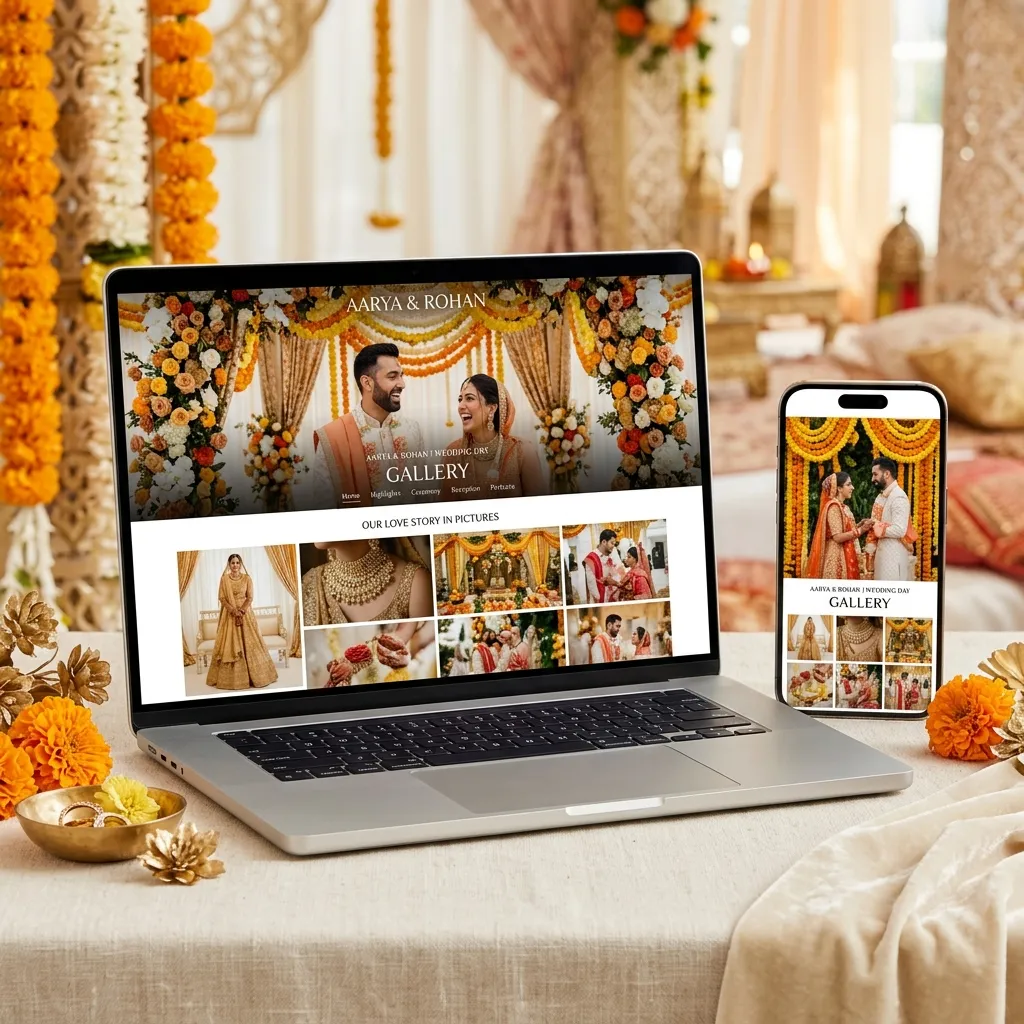
- Wedding Website Built-In: Some platforms also include matching wedding website templates so your album and your invite site live under one beautiful brand.
Step-by-Step: How to Create Your Digital Wedding Album on EventPixel
Setting up an interactive home for your wedding memories is incredibly quick and straightforward. You do not need any web design experience or technical coding skills. Follow these four simple steps to get your EventPixel gallery live and ready for your guests in under ten minutes:
Step 1: Register Your Event Dashboard
Visit eventpixel.app/create and set up your free account using your email or Google login. You do not need a credit card to get started. Once inside the dashboard, click "Create New Event" and input your basic details, such as your wedding name, date, and beautiful venue locations. (Walking through it visually is even faster — see our how-it-works page.)
Step 2: Upload Your Cover Design
Choose a romantic portrait of the two of you to act as the main cover design banner. This is the first image your guests will see when they land in your album. You can also customize the welcome message to add a warm, personal greeting for your loved ones.
Step 3: Organise Your Sub-Albums
If you are planning a multi-day traditional celebration, set up distinct folders for each ceremony. For example, you can create separate spaces for the Sangeet, Baraat, Pheras, and Reception. This keeps your gallery beautifully organized chronologically instead of displaying one massive, chaotic stream of files.
Step 4: Share Your Album QR Code
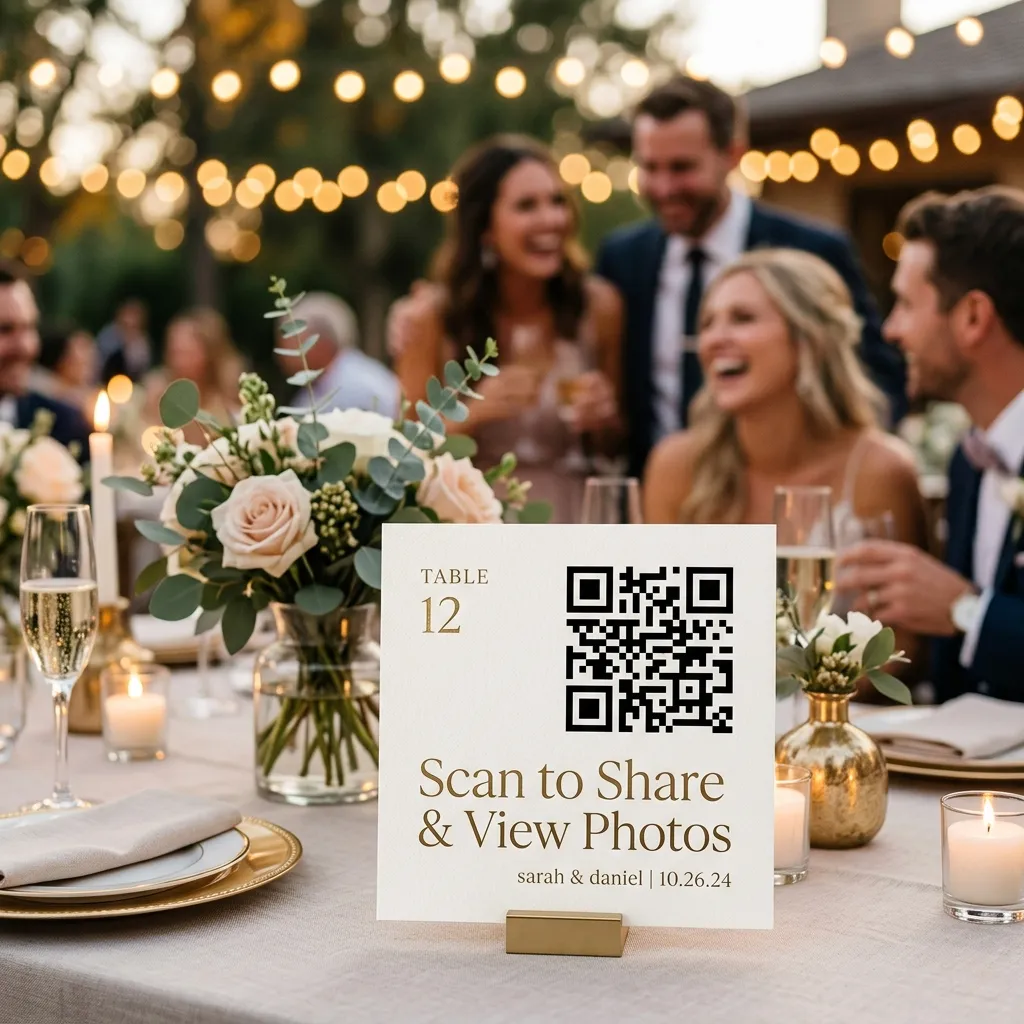
EventPixel will automatically generate a unique, high-resolution wedding QR code linked directly to your digital space. Download this graphic and send it to your stationery printer, drop it into one of our free QR sign templates, or insert it into your digital wedding invitation. One scan is all it takes for your guests to join the gallery.
How Guests Access and Download Their Photos (No App Needed)
The biggest barrier to guest participation at events is friction. If your guests are forced to download a new application, remember a password, or fill out a long sign-up form, most of them will simply give up. This is especially true for older family members who might struggle with complex mobile navigation.
This is why EventPixel's app-free interface is a massive advantage. Guests access your digital wedding album instantly by scanning your custom QR code with their default smartphone camera. The album opens immediately in Safari, Chrome, or Samsung Internet, running fast and looking absolutely stunning.
Once inside the portal, guests are introduced to PixelFind, our proprietary AI facial search tool. Instead of manually scrolling through fifteen hundred images to find the three photos they appear in, guests simply tap "Find My Photos" and snap a quick selfie. The AI filters the entire database and displays their matched portraits in under a second.
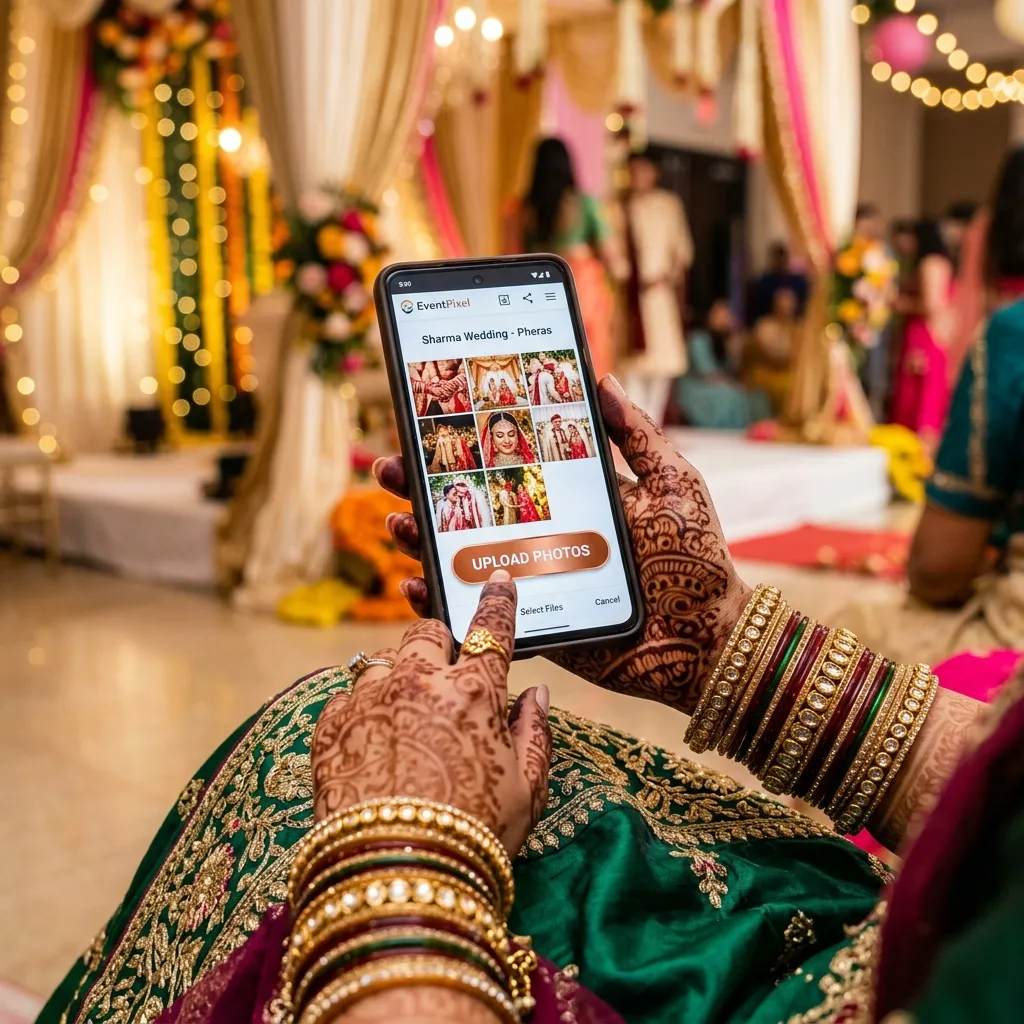
This transforms photo delivery into a highly engaging, interactive game at your reception. Guests love finding their high-resolution shots instantly, saving them to their personal devices, and posting their favorite memories online. It keeps your global family connected in real time.
Downloading the Whole Album at Once
The album is only useful after the wedding if you can get everything out of it. On EventPixel the host downloads the entire gallery as a single ZIP at original quality, from the dashboard, in one click (download all photos). The ZIP is available on the paid plans; on the free plan you download photos individually. It contains photos only, since guests cannot upload video on any plan.
- Wait a week or two before the big download. Guests keep uploading for days after the wedding, and the upload window stays open for 30 days on the free plan and 3 to 12 months on paid plans. Send one reminder message, then download.
- Download a second time later. A few guests always find photos a month on. Nothing is deleted when the guest viewing period ends, and the host can still download.
- Back it up in two places the same day: your computer and either an external drive or a cloud account. A few thousand irreplaceable photos deserve more than one copy.
- Keep the sub-albums when you file it. The ZIP is what turns a scatter of phone photos into an archive; the mehndi, ceremony and reception folders are what make it browsable in ten years.
Pricing — How Much Does a Digital Wedding Album Cost?
When planning a wedding, every line item in your budget matters. Fortunately, setting up a state-of-the-art digital photo gallery is one of the most affordable elements of your celebration, providing an incredible amount of value for both you and your guests.
EventPixel offers flexible options to fit every wedding size, from intimate elopements to massive multi-day celebrations. We provide a completely free tier so you can test the entire guest upload flow and dashboard interface without any financial commitment. When you are ready to expand your storage and unlock premium AI features, our pricing plans are simple and transparent:
- Free Tier: Experience the interface, set up your event, and test guest uploads at zero cost.
- Classic Plan: Priced at ₹1,499 for one event, with unlimited guest uploads for three months and a year of storage.
- Premier Plan: Priced at ₹3,499, adds PixelFind AI face search for every guest and a six-month upload window. Perfect for weddings.
- Grand Plan: Priced at ₹5,499, with a full year of uploads, two years of storage and unlimited co-hosts. Ideal for multi-day celebrations.
- Yearly Packages: Starting at ₹7,499 ($89 USD) or ₹9,999 ($119 USD) per year for professional photographers (Pixel Pass) and event organizers looking to manage multiple client showrooms.
By choosing an event-based plan, you avoid recurring monthly subscriptions and get a permanent, secure home for your memories that you can access and download whenever you wish. Full breakdown on the pricing page.
Frequently Asked Questions
What is a digital wedding album and how does it work?
A digital wedding album is a scannable online gallery where couples can store, organize, and share their wedding photos. Guests access the album via a unique QR code or web link using their phone camera, allowing them to view professional sneak peeks and upload their own candid snapshots without needing to download a mobile app.
How do our guests find their photos in the album using AI?
Guests use EventPixel's PixelFind feature. They simply tap the face search button, take a quick selfie directly in their mobile browser, and the secure AI system instantly scans the gallery to display only the photos in which they appear. It takes less than a second and prevents guests from having to scroll through thousands of files.
Do guests have to pay to download their photos?
No. Once you set up your EventPixel album, download access is completely free for all your guests. They can save their favorite high-resolution portraits directly to their smartphones or tablets without facing any hidden fees or paywalls.
Can we create separate folders for different pre-wedding events?
Yes. EventPixel provides comprehensive multi-event support. You can create distinct sub-albums for your Mehndi, Sangeet, Ceremony, and Reception all under a single, central event code. This keeps your memories perfectly organized chronologically for your guests.
Is our personal data and photo gallery secure on the platform?
Absolutely. We take privacy and security very seriously. You retain one hundred percent ownership and copyright over your images. The selfie uploaded by guests for face search is used solely as a temporary search query and is never stored permanently, sold to third parties, or used for tracking.
Can our wedding photographer upload directly to our online album?
Yes. You can generate a dedicated photographer upload link from your EventPixel dashboard. This allows your professional vendor to bypass email attachments or generic drives and upload high-resolution files directly to your gallery, making professional sneak peeks instantly available to guests.
Can we download all the guest photos at once?
Yes. On EventPixel's paid plans the host downloads the whole gallery as one ZIP at original quality from the dashboard; the free plan downloads photos one at a time. Do it a week or two after the wedding once uploads have settled, and again a month later for the stragglers. Nothing is deleted when the guest viewing period ends.
The Bottom Line
Your wedding day passes by in a beautiful blur, but your memories should last forever. Creating an interactive digital wedding album is a modern, elegant way to capture every single laugh, tear, and dance move from every possible angle.
It removes the post-wedding photo chase completely, giving you a stress-free way to collect guest candids while instantly delivering professional sneak peeks to the people you love. You will spend the years after your wedding looking back at your gallery, deeply grateful that you chose a purpose-built home for your memories.
Ready to build the ultimate digital home for your big day? Head over to eventpixel.app/create and set up your free wedding album today.